User’s Guide: USB
Xchange
•
19
Viewing SCSI Devices on Your Macintosh
Note: If your are operating in Mass Storage mode you will not see any
devices in SCSIProbe™.
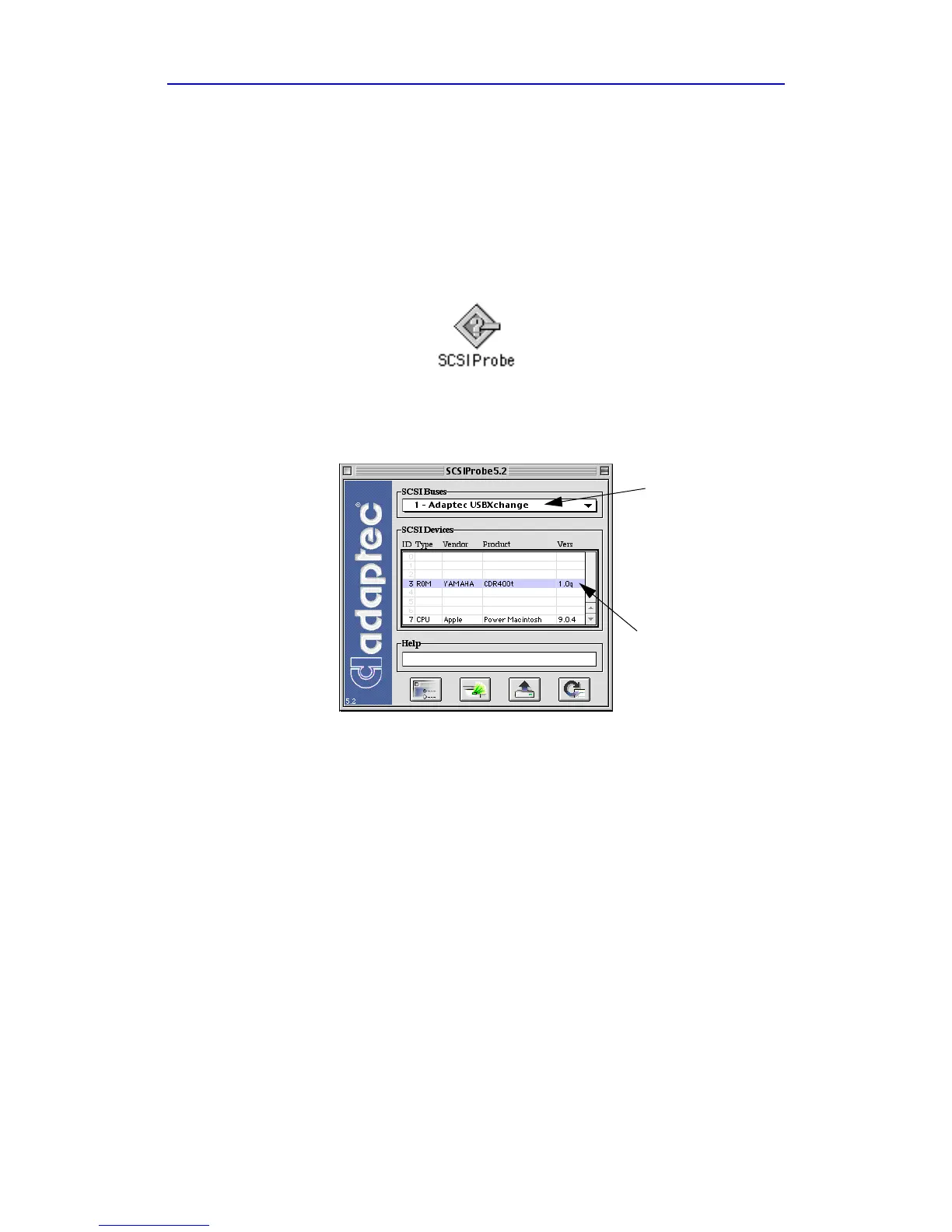
1 Launch SCSIProbe by double-clicking the icon which is located in
the Control Panels folder in the System folder.
2 To view devices connected to a SCSI bus, select the SCSI bus from
the pull-down menu and the devices will appear under SCSI devices.
SCSI buses
SCSI devices



 To Next Page