User’s Guide: USB
Xchange
•
16
Connecting a SCSI Device
1 Ensure that your SCSI device is turned off.
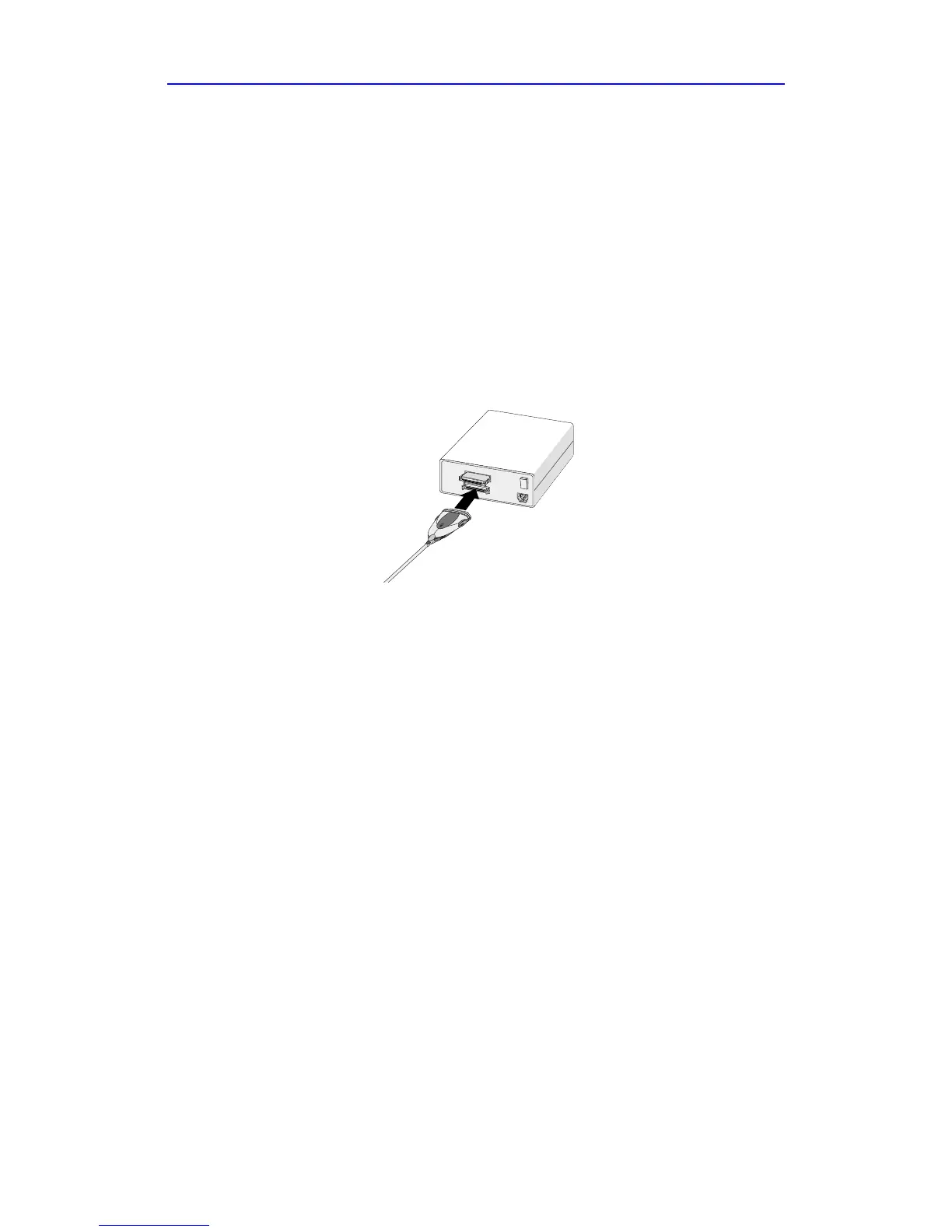
2 Connect the USBXchange to the SCSI device.
Depending on the SCSI device connector type, you can either attach
the SCSI connector of the USBXchange directly to your SCSI
device, or you may require an additional cable or converter.
3 Power on your SCSI device.
Note: Do not turn on the power until the SCSI device is attached to the
USBXchange adapter.
Attaching the USBXchange to a
SCSI device



 To Next Page