CUSTOMER SERVICE AND TECHNICAL SUPPORT
Contact Us: https://www.adata.com/en/support/online/
INSTALLATION STEPS
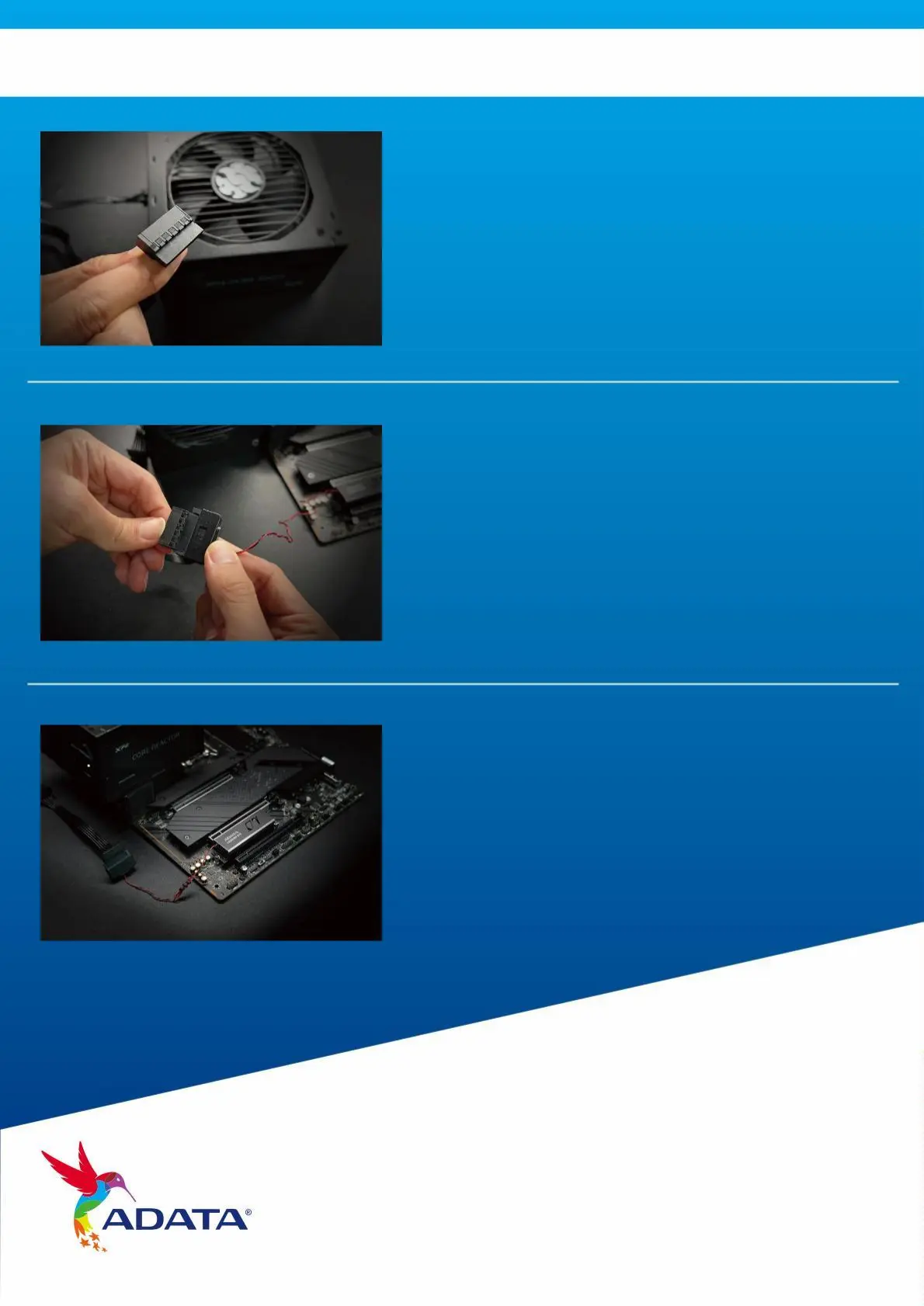
5. LOCATE A SATA CABLE(SATA SOCKET)
FROM PC POWER SUPPLY UNIT.
6. CONNECT THE TWO SATA CABLES.
7. INSTALLATION IS NOW COMPLETE.
Note: This cable can be found in the
cable bundle of the power supply unit.
Note: the direction of power cable
connectors to ensure a smooth
connection.



 To Next Page