Artery marker indicating proper placement – Arrow and symbol
should be placed over the brachial artery.
Commonly Used Abbreviations
BP Blood Pressure
BPM Beats Per Minute
EMR Electronic Medical Record system
K-sounds Korotkoff sounds
MAP Mean Arterial Pressure (Not available in the U.S.)
DIA Diastolic BP
NIBP Non-Invasive Blood Pressure
SpO
2
Percent Oxygen Saturation of Arterial Blood (hemoglobin)
SYS Systolic BP
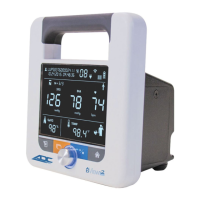
2. Setting Up the ADView 2
Your ADView 2 comes ready to use. The battery and any optional modules purchased were installed prior to shipping.
Unpacking the Monitor
As you unpack your ADView 2, check to make sure you have all the proper components.
Refer to the separate packing label stating which components you received based on the options you ordered with
your device.


 To Next Page