93-9005-00 ADView 2 User Manual | 34
September 1, 2016
9. Using ADView 2 EMR and Memory Functions
Section 4, “Good to Know Before You Begin,” provides some basic information about the ADView 2’s EMR and
memory functions. Here are more details about how these work.
Memory Mode
When you power up the unit, the memory identifier appears at the top of the display beside the Memory Icon .
This is the number that will be associated with the next set of measurement results that are sent to the device
memory.
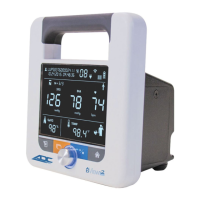
Press the Memory Button on the front of the device to save results to memory. The Memory Icon, Check
Mark icon and all values that are displayed on the screen (at the time the button is pressed) will flash before the
results are saved. The following values can be saved to memory.


 To Next Page