56
Weather Station with Wireless Outdoor Sensor WS 2136-x
Saved weather data
Using the MEM button, you will get the highest and lowest
temperature and humidity values for the last 24 hours
displayed.
Press 1x: MAX values are displayed
Press 2x: MIN values are displayed
Press 3x: normal display indicator
In order to delete the saved values:
− Press and hold the MEM button for approx. 2 seconds
until the displayed values are deleted.
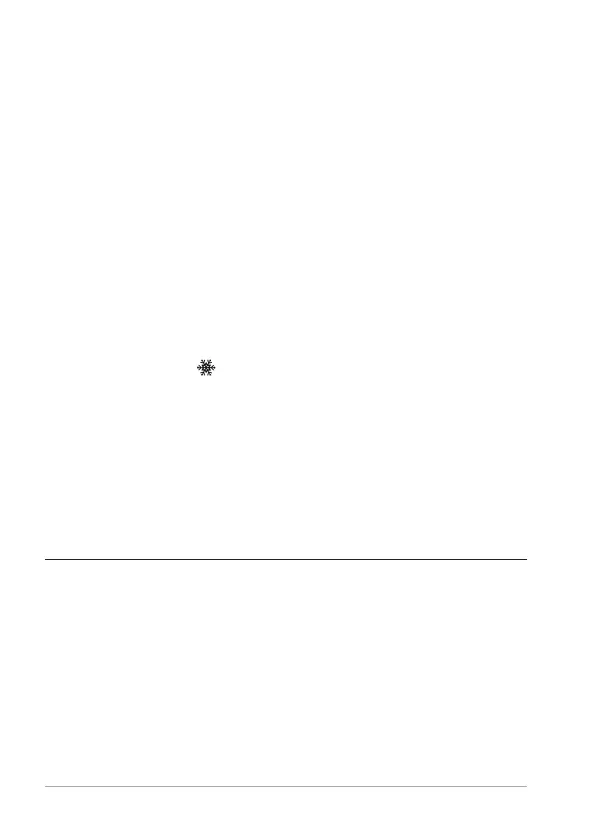
Frost alert
If the frost symbol is shown on the display, the
measured outdoor temperature lies in the range from -1°C
to 3°C (30°F to 37°F).
Even if the frost symbol is not being displayed, there
is essentially always a risk of frost at temperatures
around the freezing point.
Alarm
Setting the alarm time
1. Press SET once briefly.
The display will show a time and “AL”.
2. Press and hold down SET for a few seconds until the
alarm hour indicator flashes.



 To Next Page