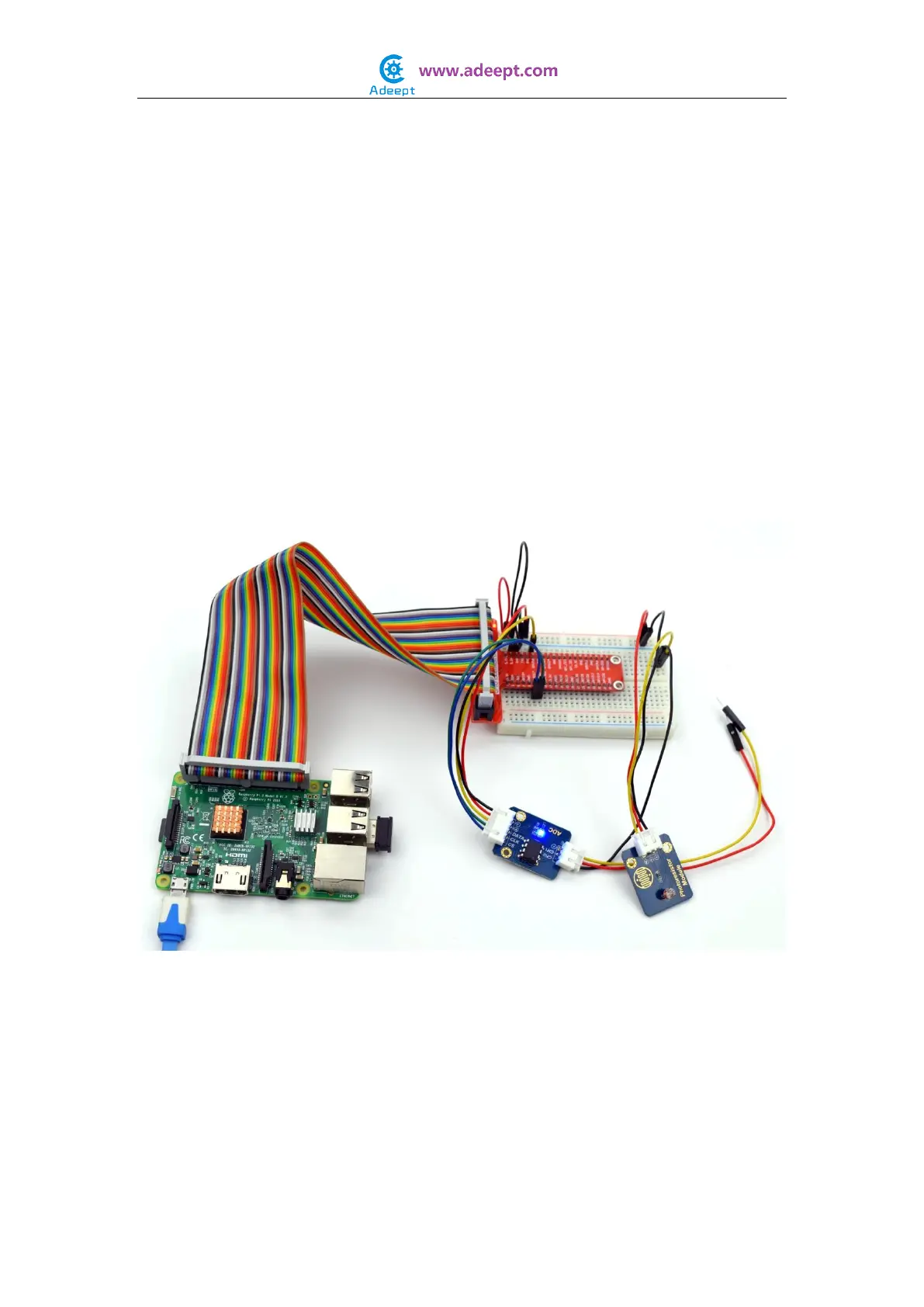
Step 3: Compile
$ sudo gcc photoresistor.c -o photoresistor -lwiringPi
Step 4: Run
$ sudo ./photoresistor
For Python users:
Step 2: Edit and save the code with vim or nano.
(code path: /home/Adeept_Sensor_Kit_for_RPi_Python_Code/28_photoresistor.py)
Step 3: Run
$ sudo python 28_photoresistor.py
Now, when you try to cover to the photoresistor, you will find that the value displayed on
the screen decreasing. On the contrary, when you shine the photoresistor with strong
light, the value displayed will increase.


 To Next Page