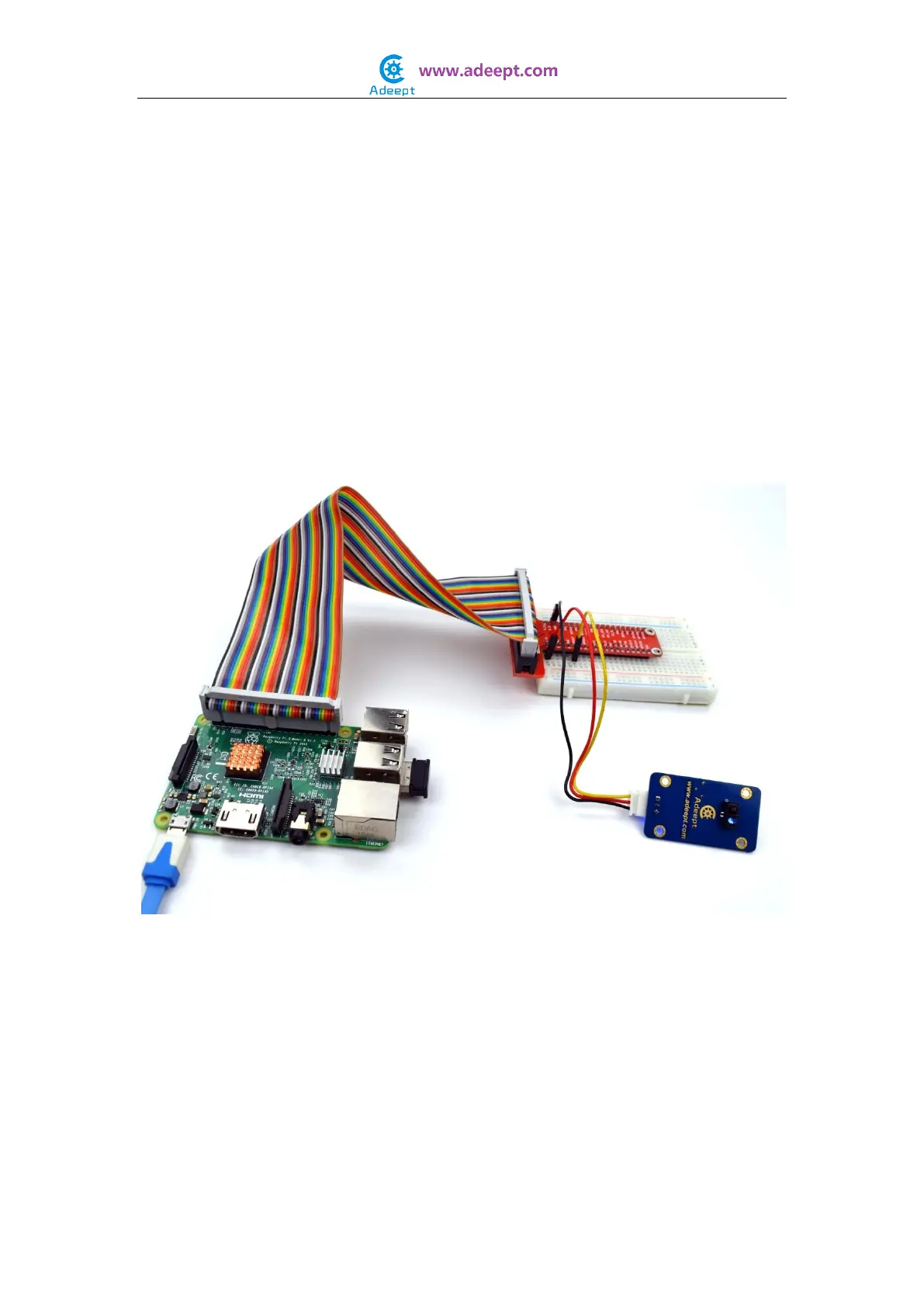
$ sudo gcc tracking.c -o tracking -lwiringPi
Step 4: Run
$ sudo ./tracking
For Python users:
Step 2: Edit and save the code with vim or nano.
(code path: /home/Adeept_Sensor_Kit_for_RPi_Python_Code/18_ tracking.py)
Step 3: Run
$ sudo python 18_tracking.py
Place the sensor module over a piece of white paper and another of black and you will see
the data detected on the terminal. You can adjust the blue potentiometer on the module
to change the sensitivity.


 To Next Page