Industrial Electronic Devices
ADFweb.com S.r.l.
Document code: MN67044_ENG Revision 2.100 Page 32 of 37
Note:
When you receive the device, for the first time, you also have to update the Firmware in the HD67044 device.
Warning:
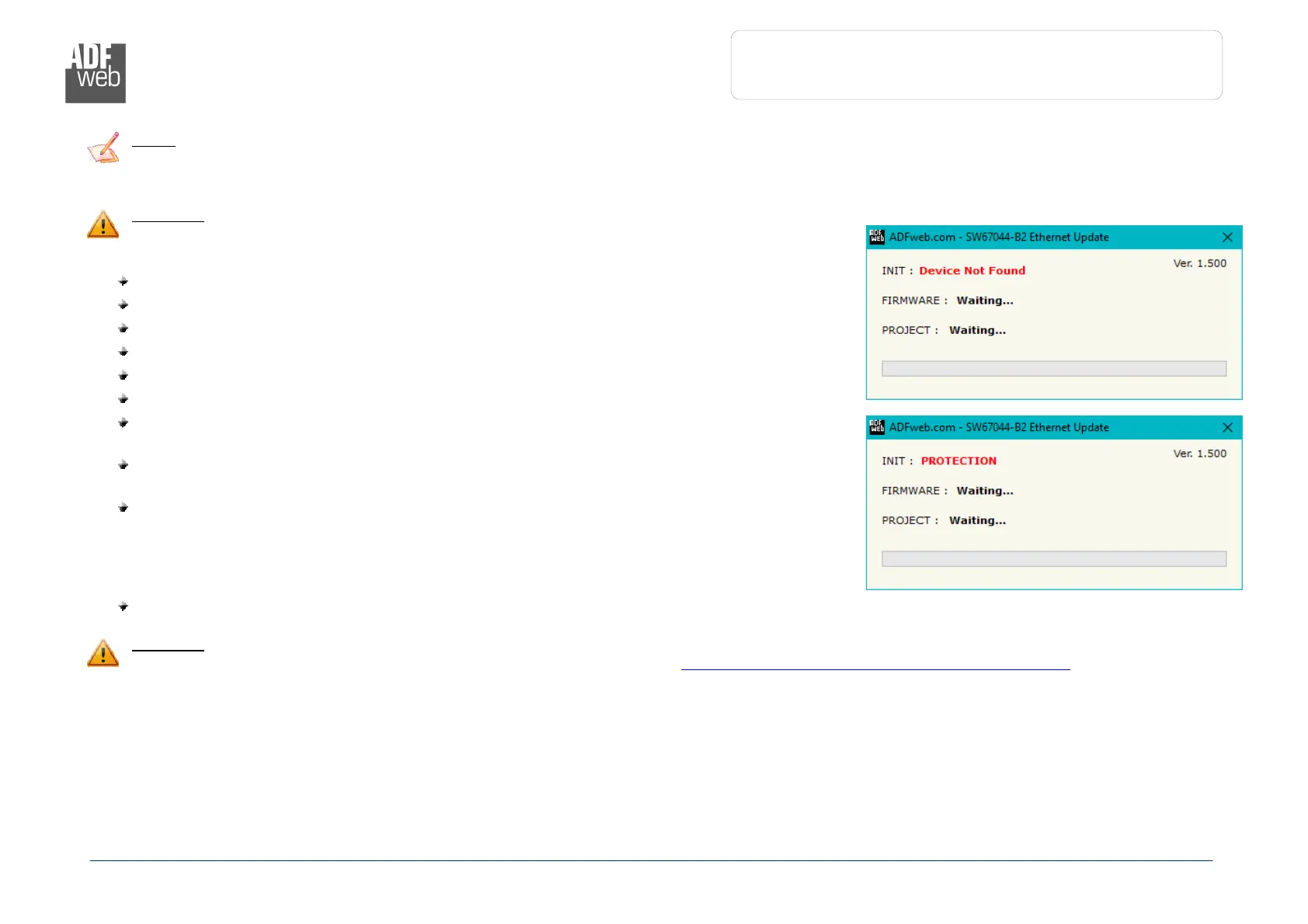
If Fig. 6 appears when you try to do the Update try these points before seeking
assistance:
Check if the serial COM port selected is the correct one;
Check if the serial cable is connected between the PC and the device;
Try to repeat the operations for the updating;
Try with another PC;
Try to restart the PC;
Check the LAN settings;
If you are using the program inside a Virtual Machine, try to use in the main Operating
System;
If you are using Windows Seven, Vista, 8 or 10 make sure that you have the
administrator privileges;
In case you have to program more than one device, using the "UDP Update", you have to
cancel the ARP table every time you connect a new device on Ethernet. For do this you
have to launch the "Command Prompt" and write the command "arp -d". Pay attention
that with Windows Vista, Seven, 8, 10 you have to launch the "Command Prompt" with
Administrator Rights;
Pay attention at Firewall lock.
Warning:
In the case of HD67044 you have to use the software “SW67044”: www.adfweb.com\download\filefold\SW67044.zip.


 To Next Page