CHAPTER 7
96
View Menu – Edit View
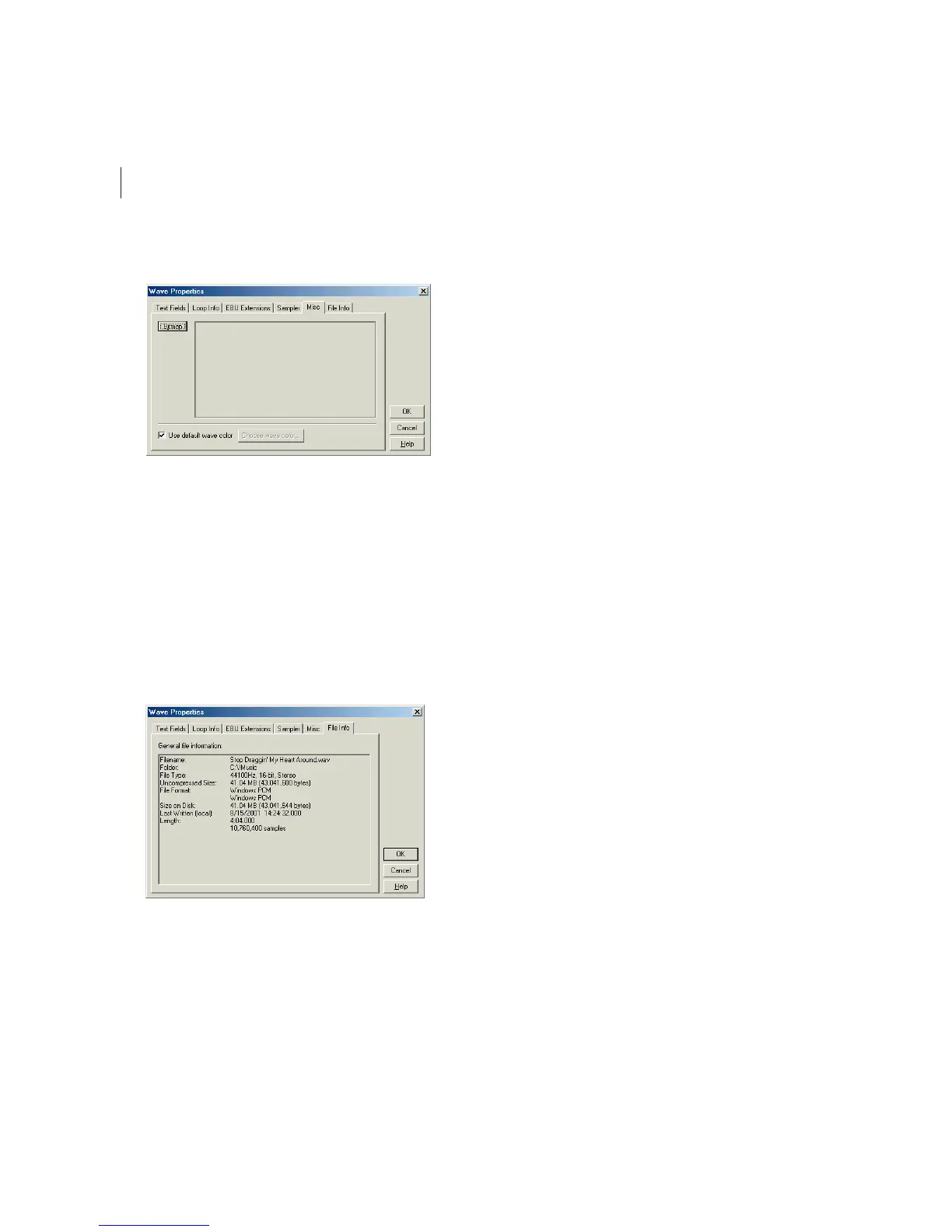
Misc Tab
Wave Properties Dialog – Misc tab
Press the Bitmap button in this window to browse your system for a .bmp or .dib file that can be used to represent the
audio file when it’s displayed in OLE-compatible applications and in Explorer. For best results, choose a 32x32 pixel
image.
If the Use default wave color box is checked, then the same wave color used for your current color scheme (the color of
an unselected waveform in the Edit View wave display) is used.
Want to use another color? Uncheck the Use default wave color box and the Waveform Foreground Color dialog appears
to let you select another color. (This box works similarly to the standard Windows color selector dialog.)
File Info Tab
Wave Properties Dialog – File Info tab
The File Info window displays non-editable file information about the active audio file. You can see the waveform’s
Filename, Folder, File Type, Uncompressed Size, File Format, Size on Disk, Date and Time Last Written, and Length.



 To Next Page