13
ADOBE AUDITION
User Guide
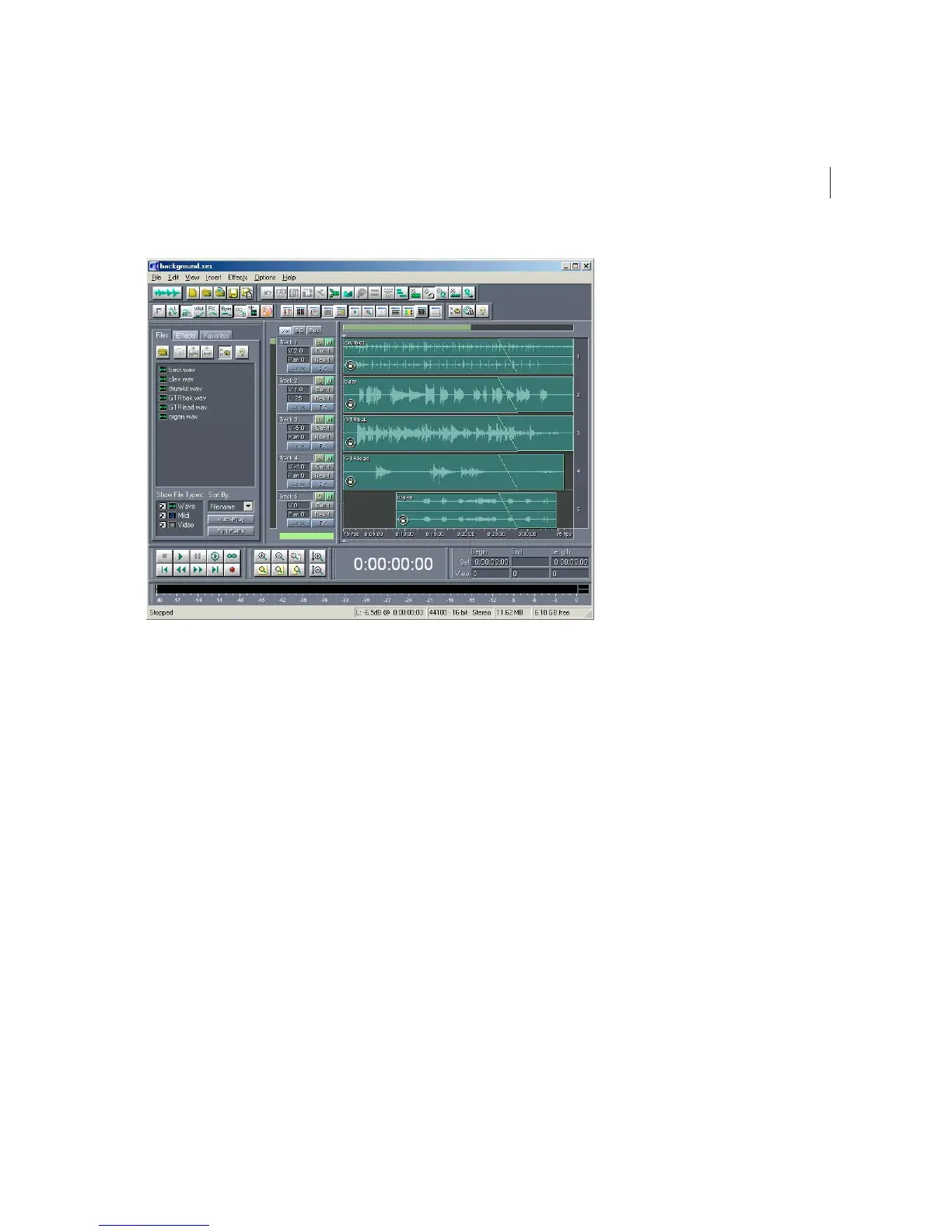
Multitrack View with Organizer Window Active
Switching from Edit View to Multitrack View
There are several ways to switch from Edit View to Multitrack View. Here are the most popular:
•
Select Multitrack View from Adobe Audition’s View menu.
•
Click on the left-most icon on the Adobe Audition File toolbar.
•
Press F12.
Switching from Multitrack View to Edit View
Several methods are provided to switch from Multitrack View to Edit View. These include:
•
Double-click on a waveform’s entry in the File tab of the Organizer Window.
•
Double-click on a wave block.
•
Select Edit Waveform… from a wave block’s right-click menu.
•
Select Edit Waveform View from Adobe Audition’s View menu.
•
Click on the left-most icon on the Adobe Audition File toolbar.
•
Press F12.



 To Next Page