CHAPTER 15
296
View Menu – Multitrack View
Advanced Session Properties
This command brings up the Advanced Session Properties window, a tabbed dialog that lets you adjust several param-
eters of your multitrack session, as well as store additional session-based information within your session file.
General Tab
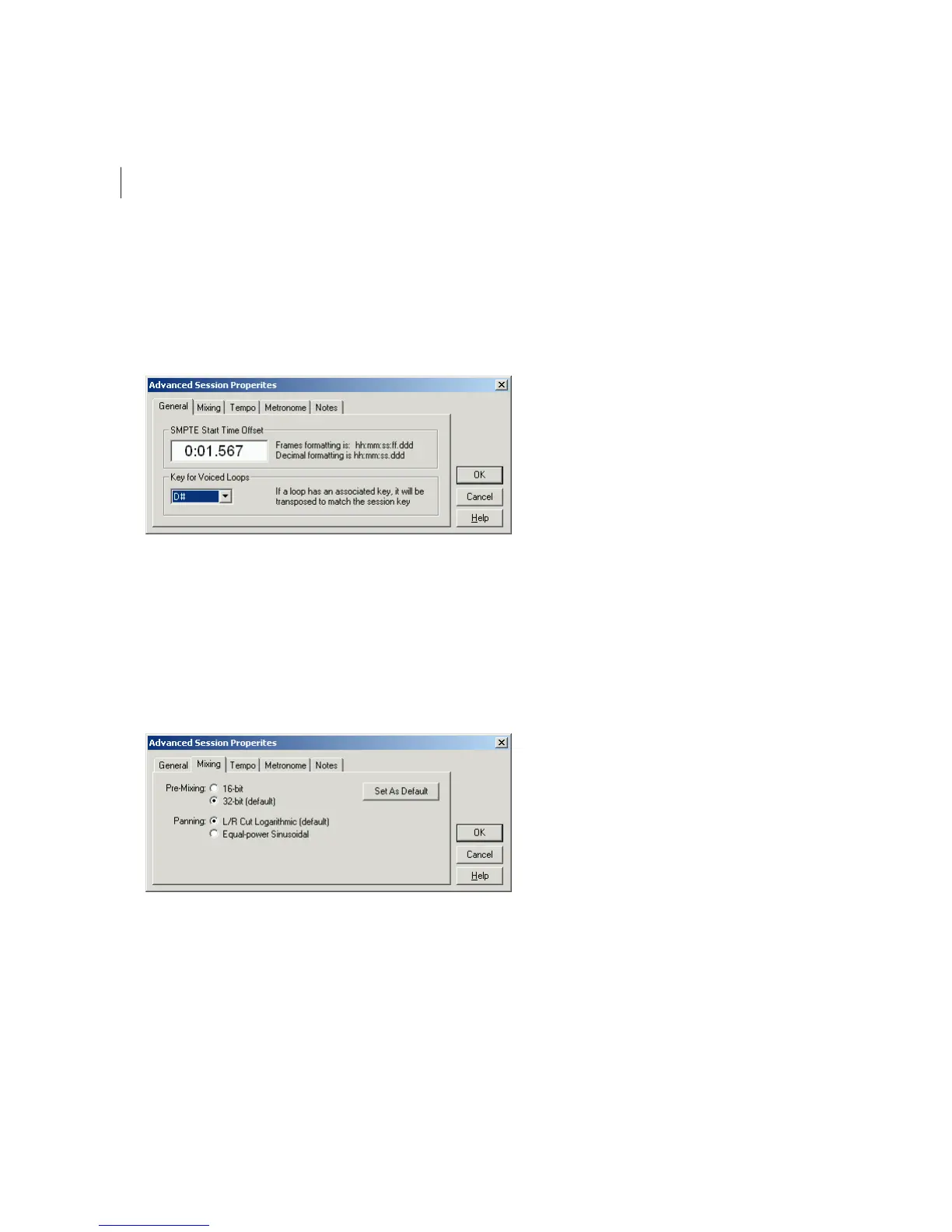
The General tab of the Advanced Session Properties window
Session Start Time Offset Here you can enter a time offset, which is the time location that Adobe Audition will wait for
to begin playback. Locations must be entered in the format of hours:minutes:seconds:frames.divisions, or
hours:minutes:seconds.division if not being used with SMPTE.
Key for Voiced Loops This specifies the session’s key. Any loops that have a key specified will be pitch-shifted to match
the session’s key.
Mixing Tab
The Mixing tab of the Advanced Session Properties window
Pre-Mixing This is the bit depth used for the background mixing process. Best quality is achieved by choosing the 32-bit
setting, especially for single output device situations or if you have a fast hard drive.
However, if you’re using multiple sound cards, it may be advantageous to pick 16-bit for pre-mixing, as less data will be
transferred across the hard drive(s), which will speed things up.



 To Next Page