CHAPTER 4
44
Navigating the Edit View
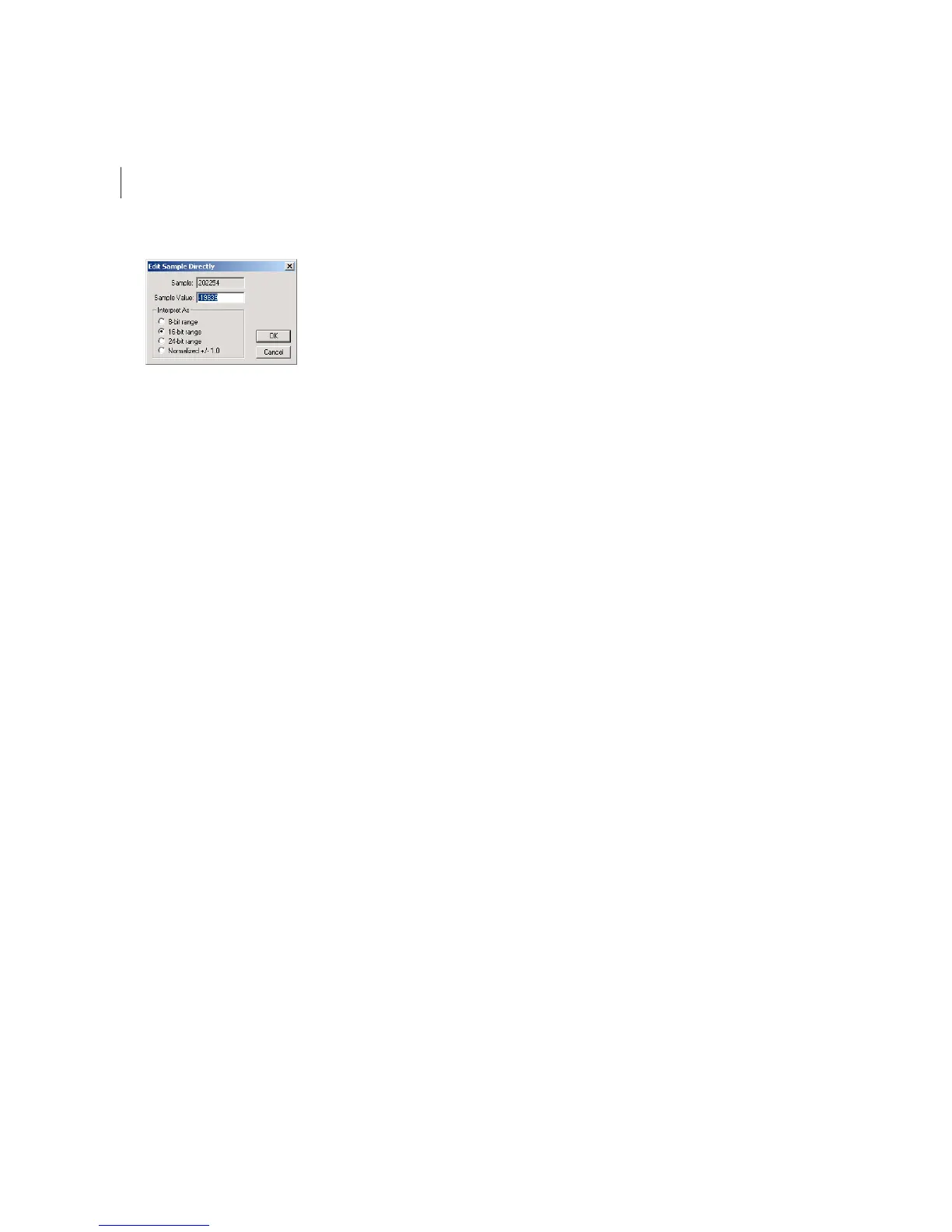
The Edit Sample Directly dialog.
Here are the major components of the Edit Sample Directly dialog:
• Sample is the number of the sample as measured from the beginning of the waveform.
• Sample Value is the value of the sample as measured using one of the four Interpret As options below. Negative
numbers mean that the sample is below the horizontal center of the waveform, while positive numbers mean that the
sample is above the waveform’s center.
• Interpret As is four options that determine how the Sample Value is measured. Choose from 8-bit range, 16-bit range,
24-bit range, or Normalize +/- 1.0.



 To Next Page