55
ADOBE AUDITION
User Guide
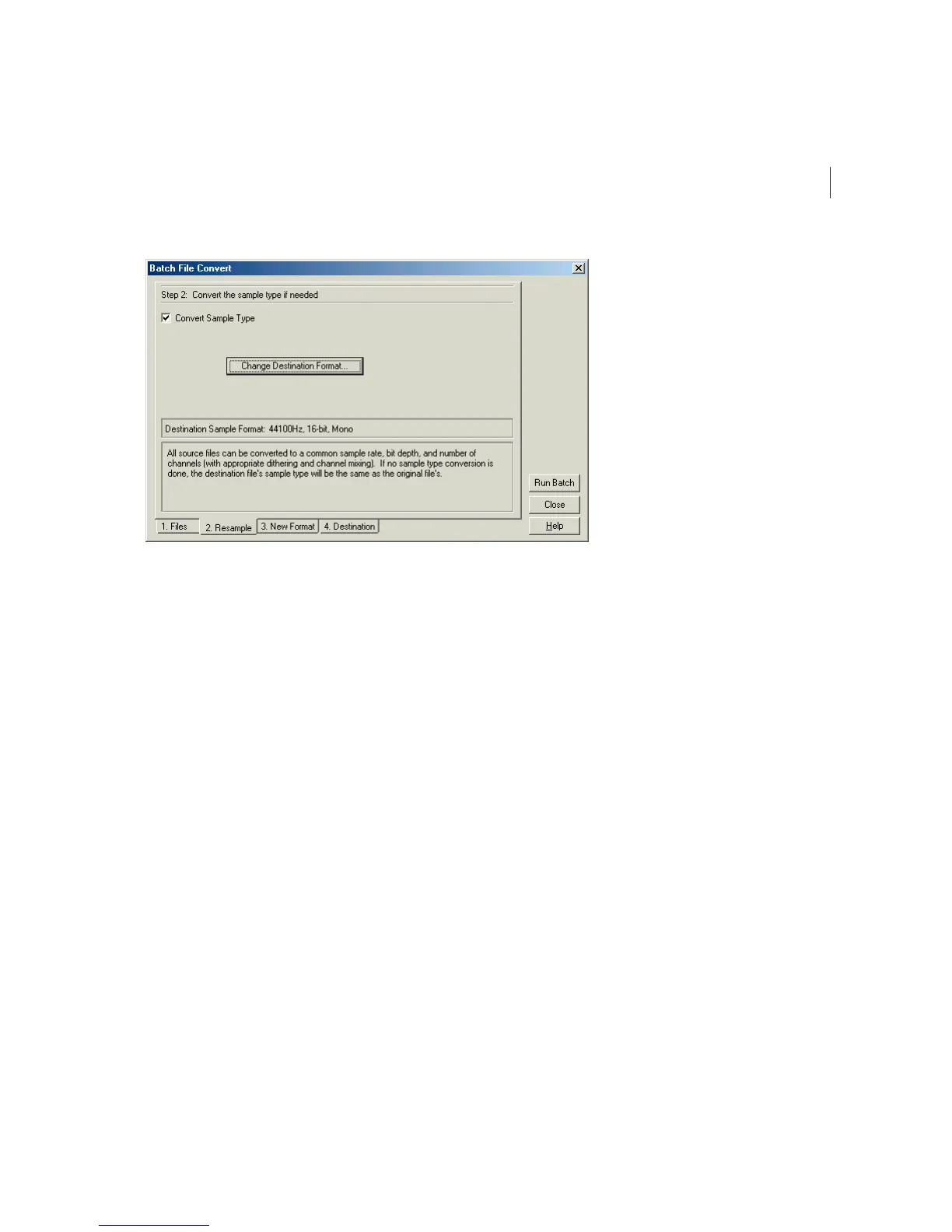
The Resample Screen of the Batch File Convert Dialog
Pressing the Change Destination Format button brings up Adobe Audition’s Convert Sample Type window, where you
can select the destination files’ sample properties.
3New Format
Here’s where you choose the format of the destination files. Use the Output Format drop-down control to pick the
desired format from all of Adobe Audition’s supported file types.



 To Next Page