PSR78 Repeater
User Manual V0.1
Page | 15
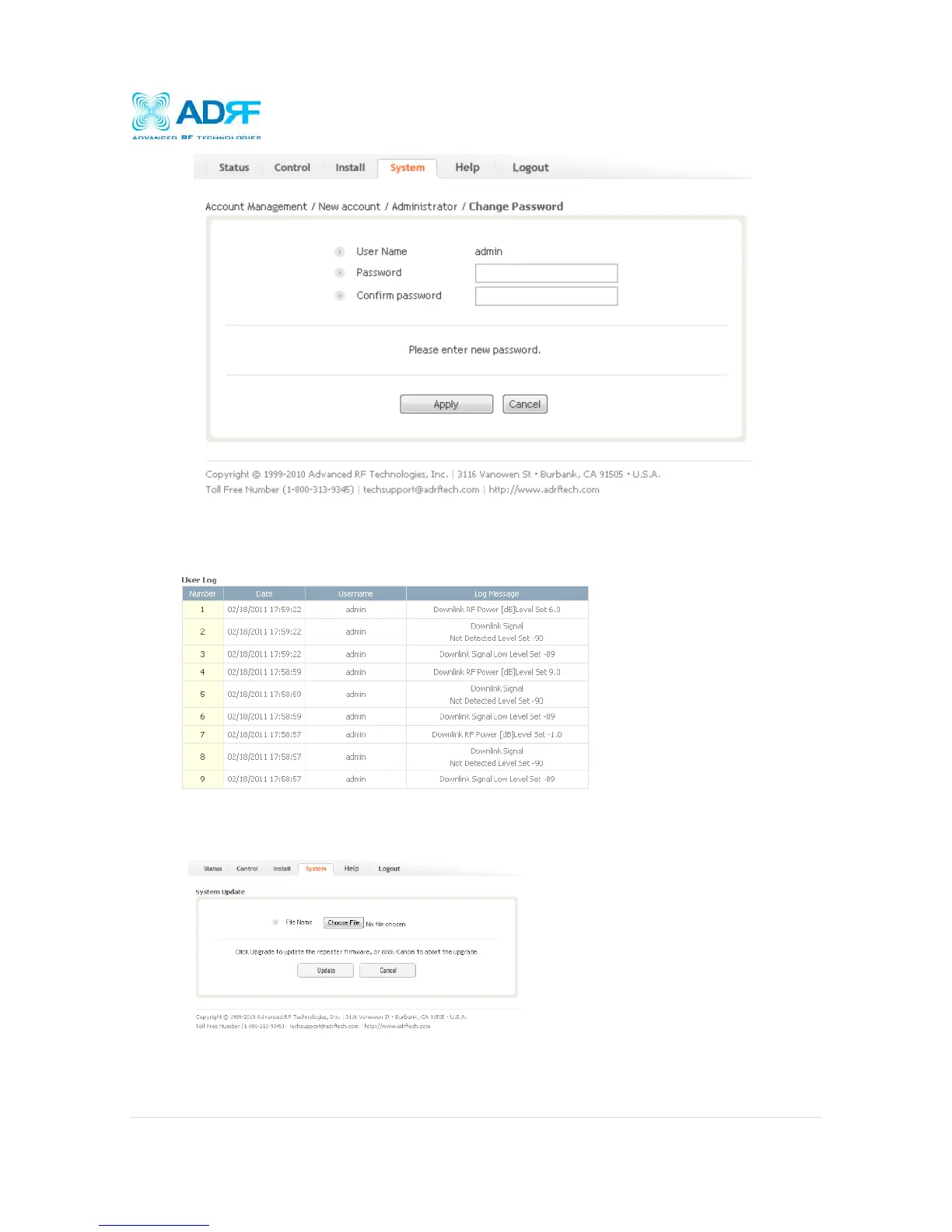
4.5.2 System: User Log
This section displays all the system activities that have taken place in the repeater along with the account
associated with that event.
4.5.3 System: Update
To perform a firmware update, click on the System tab and the following screen will show up.
Click on the Choose File… button and locate the firmware file
Click on the Upload button to perform the firmware update
Once the firmware update is complete, the following popup message will appear:



 To Next Page