Nero SoundTrax Working with Nero SoundTrax • 12
Fast forward
Fast rewind
Jumps to the next clip
2.4 Recording audio clips
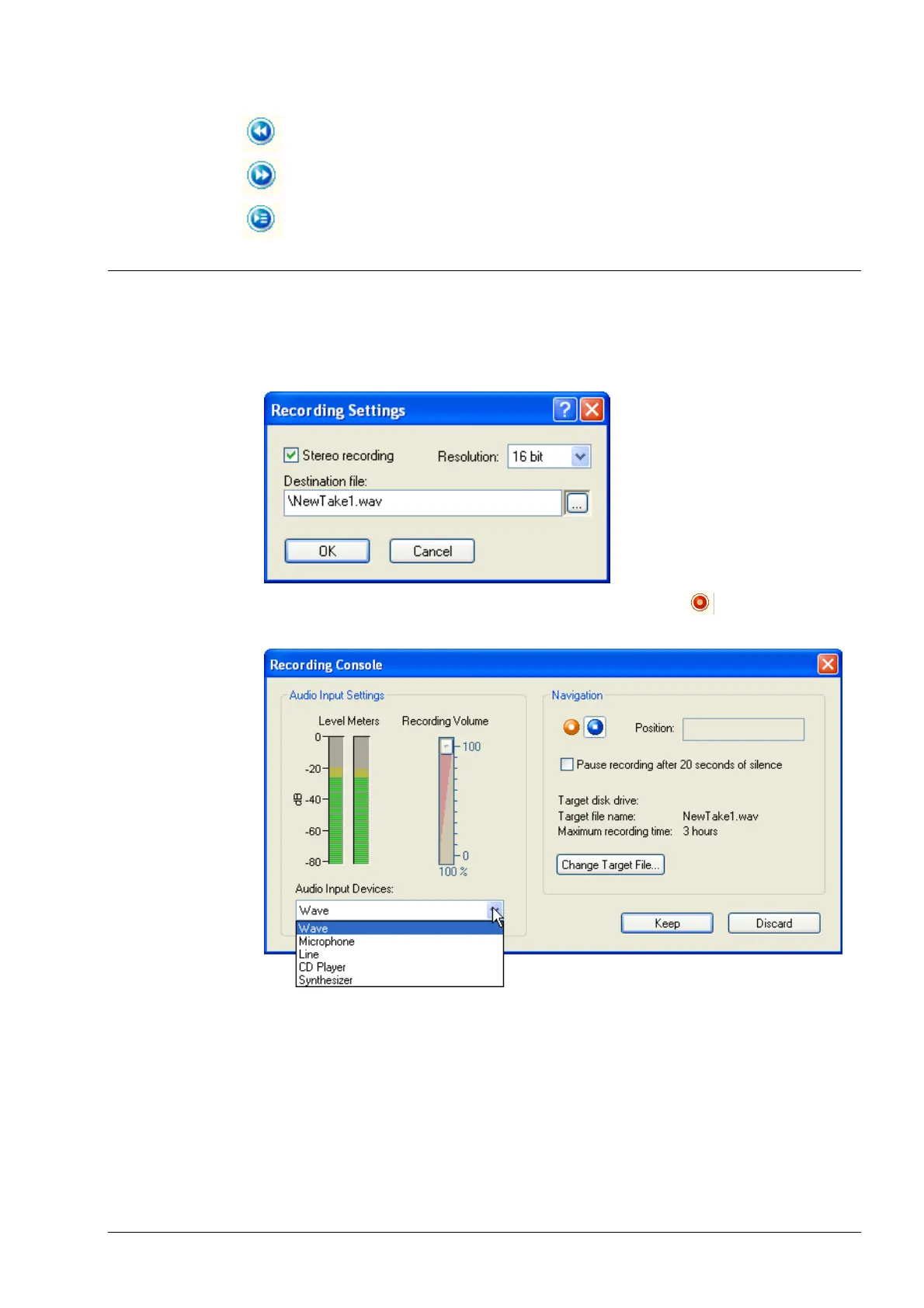
1. Choose 'Record' from the 'Audio' menu to start the recording console. Enter a
name for the file you want to create and specify whether you want to record
the clip in stereo and what the resolution should be.
2. Choose the input device for the clips and click on the
button to start the
recording.


 To Next Page