Nero SoundTrax Working with Nero SoundTrax • 10
2.2 Creating crossfades
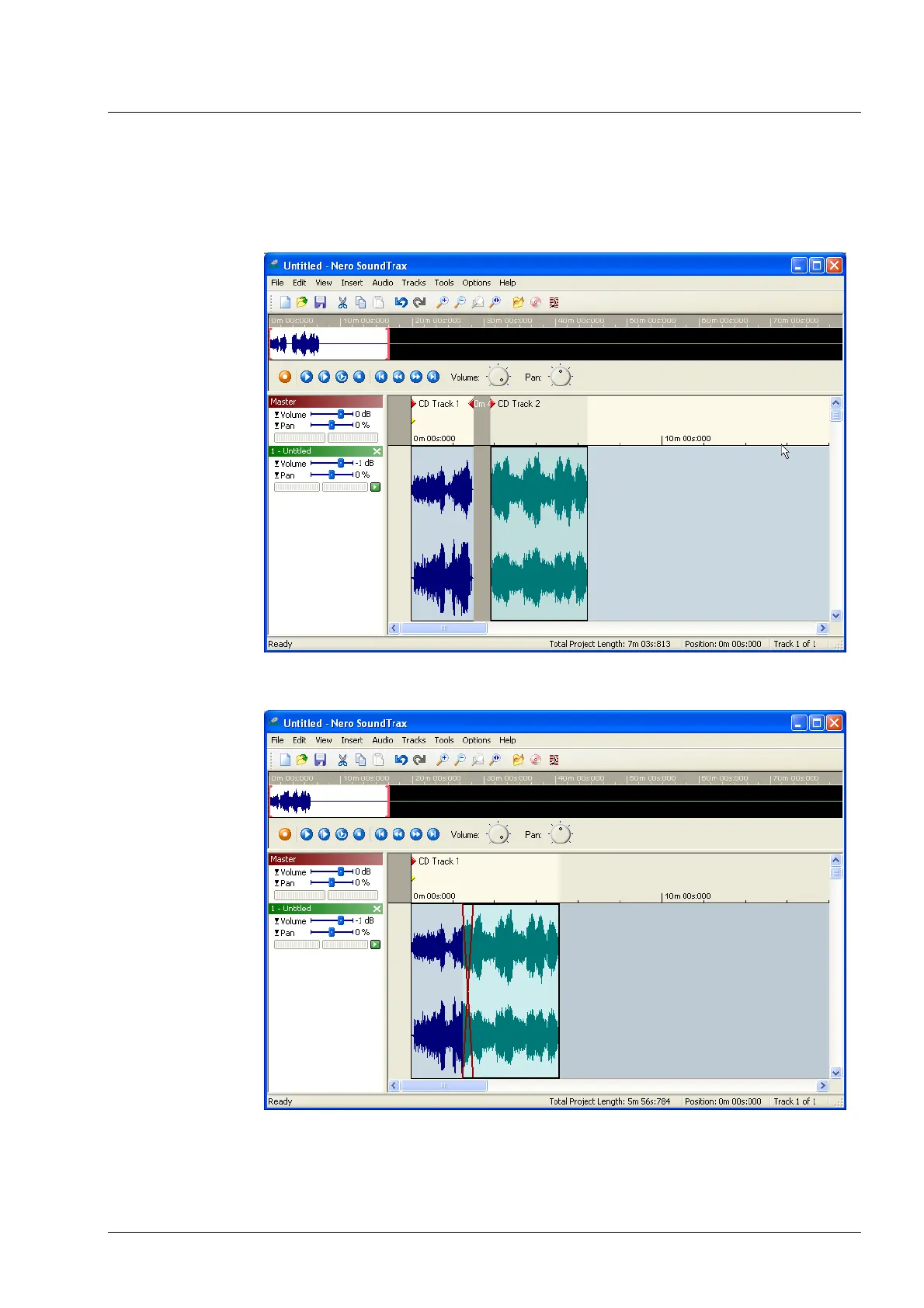
1. Start Nero SoundTrax and insert two clips in one track, by choosing 'Audio
File' from the 'Insert' menu. In the example below, the two clips are played one
after another and between the end of the first clip and the start of the second
clip is a pause.
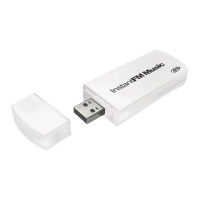
2. Select the second clip and drag it as far as you want into the first clip. The
area where the two clips overlap is colored in red.



 To Next Page