Nero SoundTrax Working with Nero SoundTrax • 9
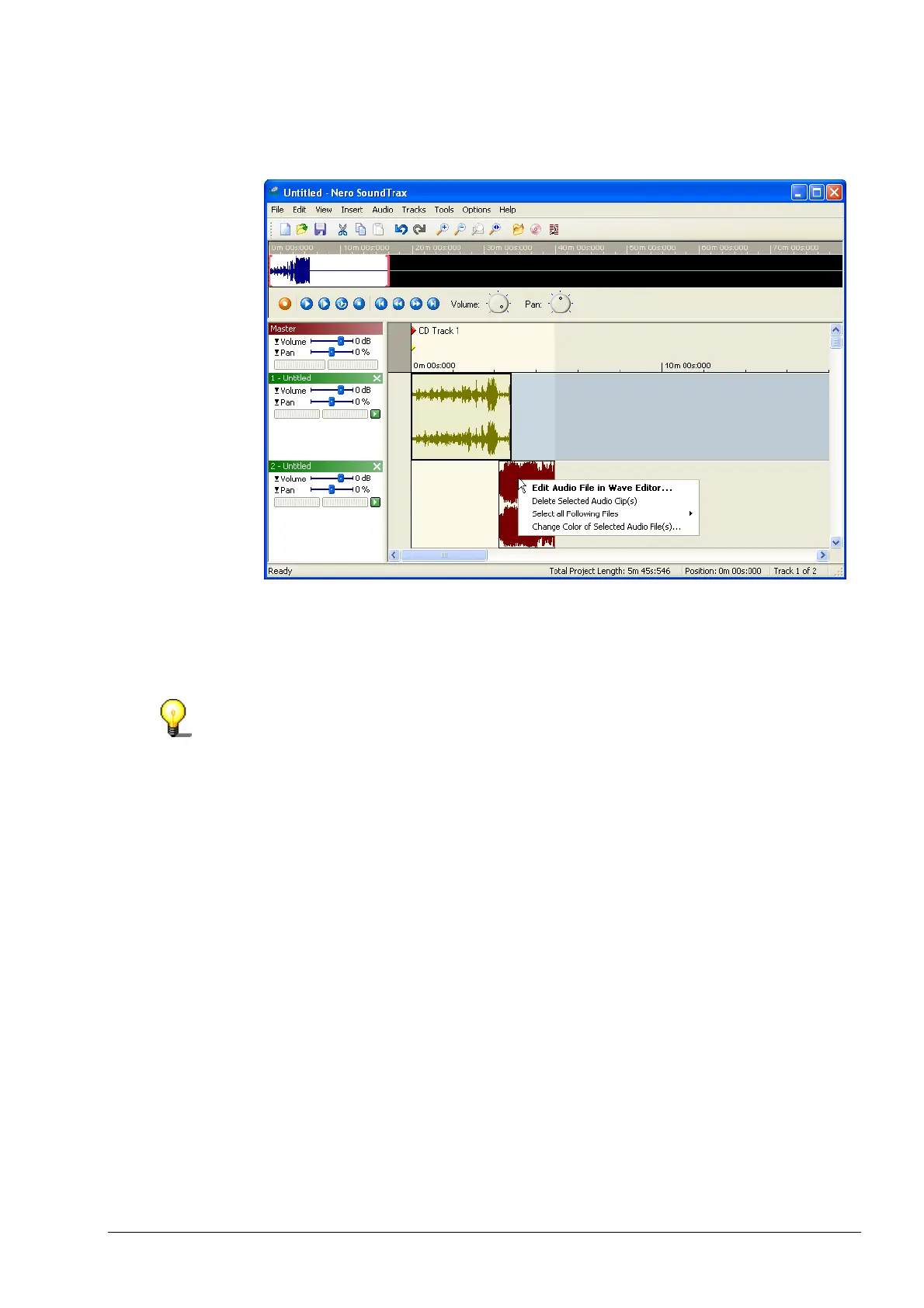
6. If you right-click on a clip, a pop-up menu appears, which, amongst other
things, allows you to open Nero Wave Editor, so that you can modify the clip
quickly and easily.
7. If you are happy with the results, you can export the new track, which consists
of two clips, and save it as a new file. To do this, choose 'Export to Audio
Track' from the 'File' menu, enter the name of the new file in the dialog box
which appears and click on the 'Save' button.
You can also create more than two tracks.


 To Next Page