Nero SoundTrax Working with Nero SoundTrax • 8
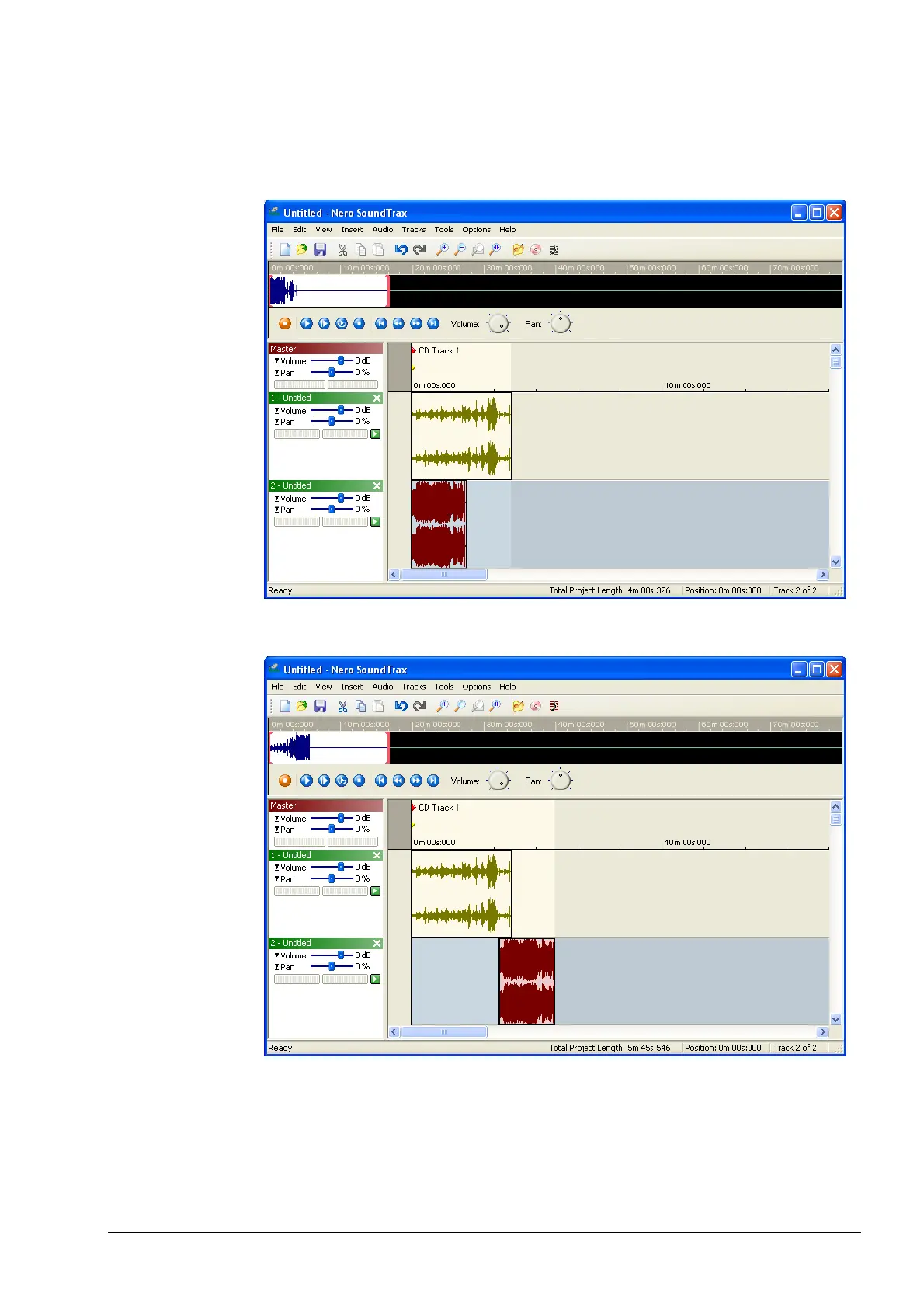
4. Select the second track, and from the 'Insert' menu, choose 'Audio File' and
select a file. The file is inserted in the second track. Depending on the
positions of the different clips, a range of options is available. In the example
below, the clips are played at the same time.
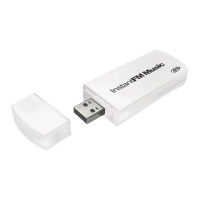
5. To change the starting position of a clip, select the clip and drag it to the
position where you want it to start.


 To Next Page