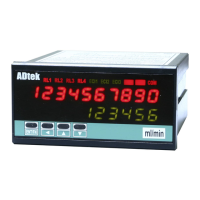
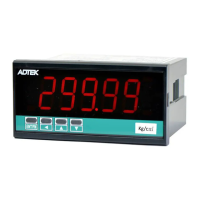
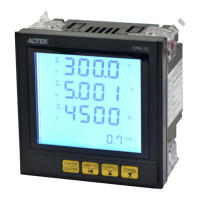
CM1-SERIES
Please check the specification, wire diagrams and functions on the label of the meter before
installation..
DIMENSIONS & Panel Cut Out
PANEL CUT-OUT:
92
+0.2
(W) x 44
+0.2
(H) mm
FIX HOLDER:
63 mm(L) / W M3
Please check the voltage of power supplied first, and
then connect to the specified terminals. It is recommended
that power supplied to the meter be protected by a fuse or
circuit breaker.
Remark
,
PT can not short in secondary
;
CT can not
open in secondary
Wiring may be changed, follow the wiring diagram on
theinstrument wiring
Terminals
20A/300Vac, M3.5, 22~14AWG;
Max torque: 12kg-cm
(If the use of electric driver, please adjust the torque electric driver)
Terminals:
20A/300Vac, M3.5, 0.5~2.0mm
2
(22~14AWG)
If power supply noise interference, install an isolation transformer.。



 To Next Page