Hey!Broadband Ltd. | 25 Wilton Road, Victoria, London. United Kingdom | heybroadband.co.uk | info@heyb.co.uk | 0808 168 1616
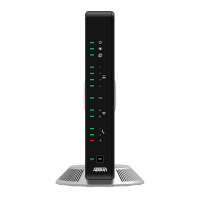
10.1 Adtran 854 Router Replacement Guide for Customers
1. Preparation
Before you begin, make sure you have:
• A new Adtran 854 router
• Power cord
• Ethernet cable
Backup Settings (if possible) – take screenshots of network settings such as SSID, password, or other settings.
(Previous Router)
2. Disconnecting the old router:
• Turn off the old router.
• Unplug the power cord from the electrical outlet.
• Disconnect any SFP or GPON Cable from the router.
• Disconnect the Ethernet and telephone cables (if there are) from the corresponding ports.
Router Self
Install Guide.

 Need help?
 General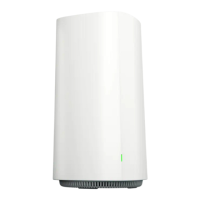









 To Next Page