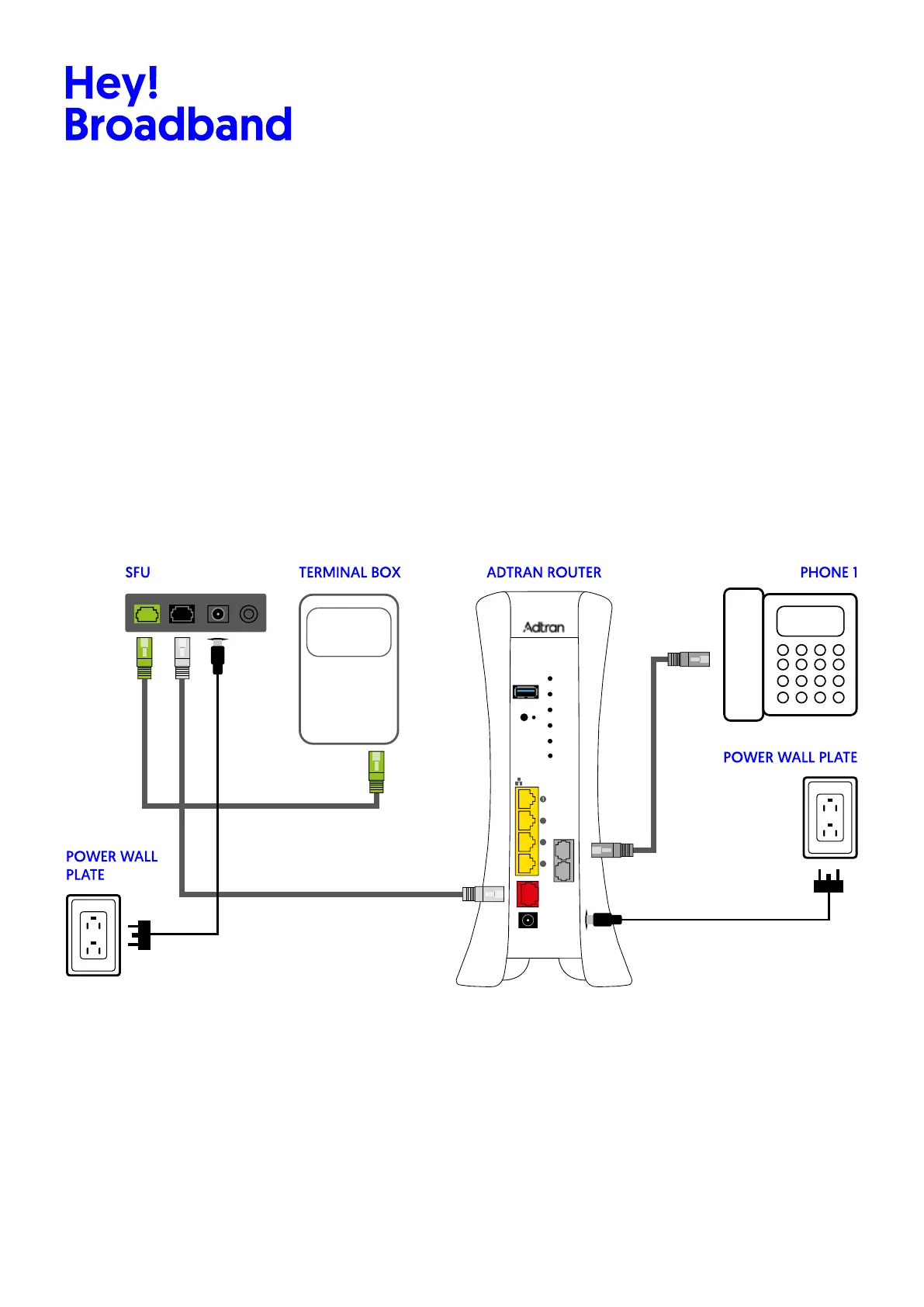
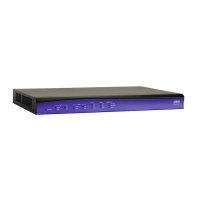
3. Installing the New Adtran 854 Router:
• Place the new router in the same position as the old one or in a well-ventilated location, the surface must
be clean without dust or any other particles.
• Connect the SFU to the power, the GPON cable (optic) & Ethernet cable. (if already has an SFU just connect
the ethernet cable to the router wan port)
• Connect the Ethernet cables to the correct WAN port of the router.
• Connect the telephone cable if you have it.
• Connect the Ethernet cables to the Ethernet ports if you have it.
Plug the power cord into the electrical outlet and into the router.
Organize the cables to avoid tangles.
LAN
Fiber
WAN
5GHz
WPS
Tel 1/2
2.4GHz
USB
WPS
Reset
2.5G
WAN
12VDC=3A
POWER
Tel 1
Tel 2
2
3
4
ONPowerGEOptical
OFF
SFU TERMINAL BOX ADTRAN ROUTER PHONE 1
POWER WALL PLATE
POWER WALL
PLATE
Hey!Broadband Ltd. | 25 Wilton Road, Victoria, London. United Kingdom | heybroadband.co.uk | info@heyb.co.uk | 0808 168 1616
4. Powering on and configuring
Turn on the new Adtran 854 router.
Wait for the LED indicators to show the correct status.









 To Next Page