Understanding the Status LEDs 8612 and 8614 Router QSG
4 6SDG861214-13A
Resetting the Device
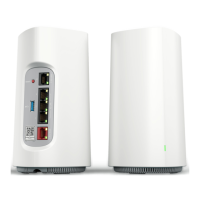
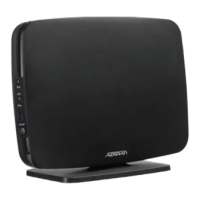
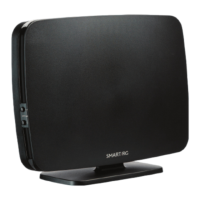
A reset button is available on the back of the SDG-8612 and SDG-8614 as shown in Figure 1 on page 1 and can be used to reboot or restore
the device to factory defaults. To reboot the SDG-8612 or SDG-8614, press the Reset button on the back panel of the device for less than 5
seconds. To reset the device to factory defaults, press the Reset button for 5 seconds or longer.
Understanding the Status LEDs
There are several different LEDs on the SDG-8612 and SDG-8614 SDGs that provide information on the device, interfaces, and connectivity
status. See Figure 1 on page 1 to locate the different LEDs on the unit.
Multifunction Status LED
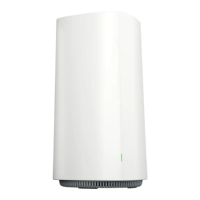
The multifunction status LED on the front of the SDG indicates the device and connectivity status. Table 2 defines the multifunction status LED
state when running SmartOS.
SFP Status LED (SDG-8614 only)
When the SFP fiber connection is active, the SFP status LED will indicate the status of Fiber connectivity.
Ethernet Status LEDs
The Ethernet status LEDs indicate the status of the Ethernet interfaces.
Quick Setup for the SDG-8612 and SDG-8614
For devices with SmartOS installed, scan the QR code labeled WiFi QuickStart located on the back of the unit. You will be presented with a
series of self-guided steps to choose your account password, select gateway or access point mode, and configure the Wi-Fi SSID and
passphrase. The specified account password will be used when logging into the GUI in the SDG.
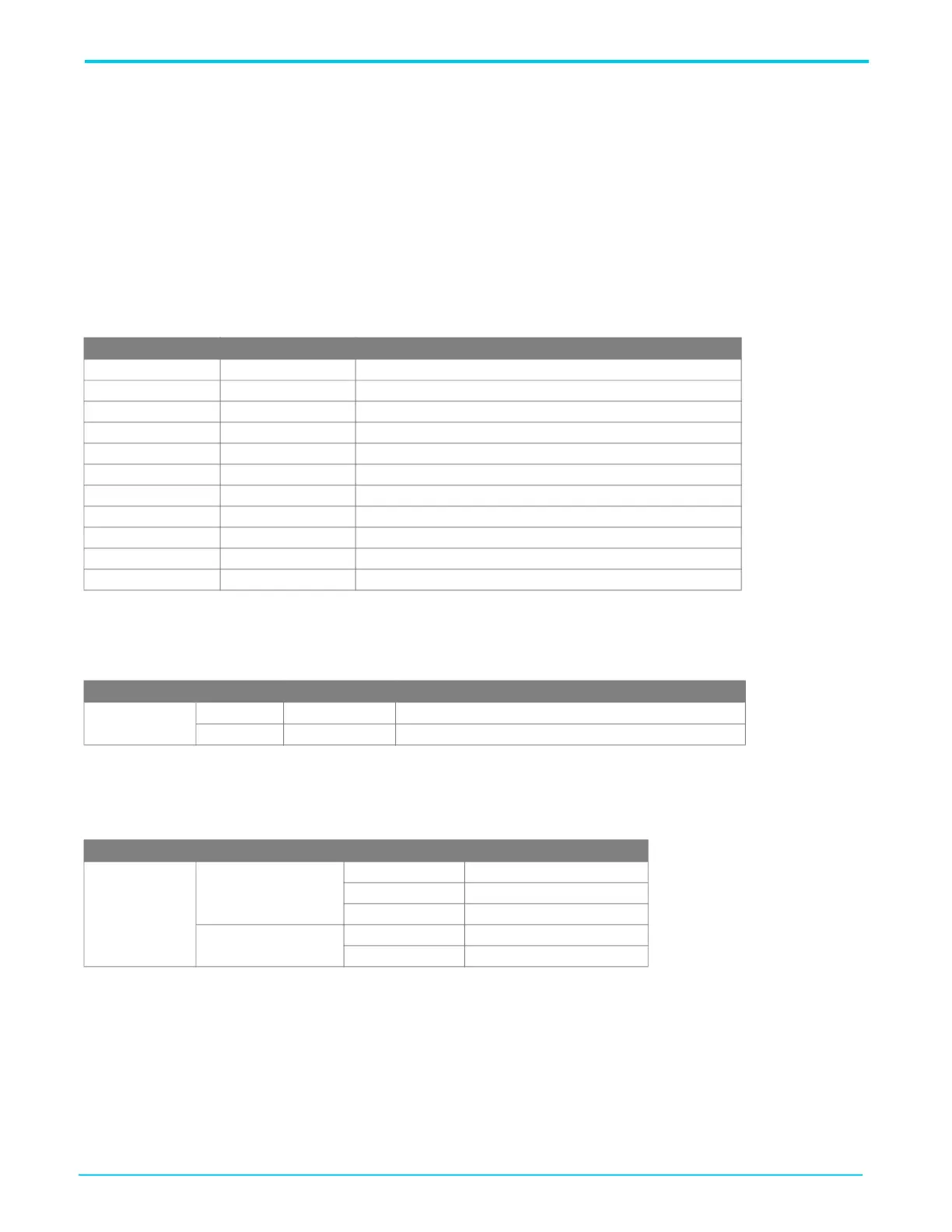
Table 2: Multifunction Status LED for SmartOS
Color LEDState Event
Blue Solid Cold boot
Red Pulsing Reboot and system upgrade (persists over uboot)
Green Pulsing Linux booting up
Light Blue Pulsing Quick Start
White Solid Controller WAN up, Internet
Amber Pulsing Controller WAN down, no Internet
Purple Pulsing Satellite set up
White Solid Satellite up
Red Pulsing Satellite up, fair signal
Amber Pulsing Satellite up, poor signal
White Pulsing Reverting
Table 3: SFP Status LED
LED Color State Description
SFP
Green
On Loss of signal (LOS) is cleared.
Red On LOS is set.
Table 4: Ethernet Status LED
LED Port Color Description
Ethernet
2.5Gbps
Left Green Speed is 2.5 Gbps
Right Green Speed is 1Gbps
Right Amber Speed is 100Mbps
1Gbps
Green Speed is 1Gbps
Amber Speed is 100Mbps




 To Next Page