14
software combinations are possible. Advanced Bionics assumes no responsibility for
the compatibility; thus, it is the user’s responsibility to do product compatibility testing
by himself before making purchasing decisions on smartphones and other Bluetooth-
enabled devices.
Operating Instructions
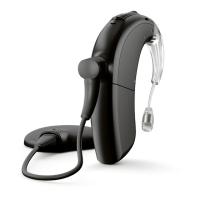
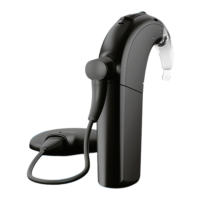
Powering Naída CI M90
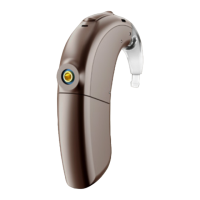
The sound processor is turned on when a charged battery is attached to the sound
processor. When the battery is engaged, the orange LED located in the middle of the
multifunction button will indicate battery charge.
The startup program is selected by the cochlear implant professional during
programming.
To power down the Naída CI M90 sound processor, simply remove the battery cartridge.


 To Next Page