34
be switched into flight mode. Entering flight mode will not disable normal sound
processor functionality but will disable Bluetooth connectivity functions.
Activating and Deactivating Flight Mode
1. Hold down either the top or bottom of the multifunction button while attaching
thebattery.
2. Continue to hold down the button while the sound processor starts up, until a long,
solid orange LED is visible, approximately 10 seconds. Note that the start-up LEDs
that indicate the battery life of the rechargeable battery and the program number
will be seen before thelong, solid orange flight mode LED.
3. Removing and reattaching the battery will take the sound processor out of flight
mode.
Care and Maintenance
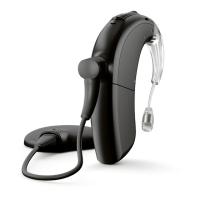
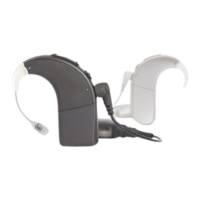
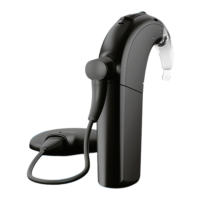
Storing the Naída CI M90
When not in use, store the Naída CI M90 in the equipment case provided.


 To Next Page