30
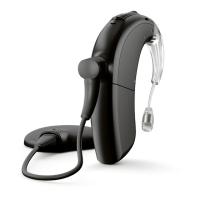
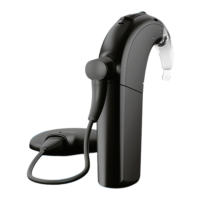
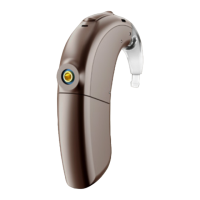
Using the Naída CI M90 Multifunction Button
The multifunction button has several functions which can be programmed by
thehearing care professional. The button can function as a volume control and/or
aprogram change depending on the programming. Please ask your cochlear implant
professional to confirm how your sound processor is programmed.
SituatioN Short PreSS loNg PreSS
Standard Use Volume up or down Program change
During Audio
Streaming
Streaming volume up or down Program change
During Phone Calls Accept phone call (while ringing)
or phone call volume up or down
(during call)
Reject phone call
(whileringing) or end phone
call (during call)
Connectivity Overview
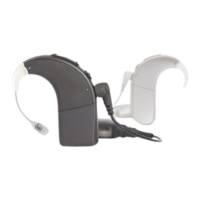
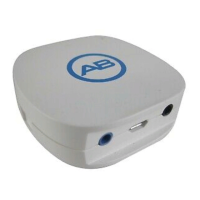
The Naída CI M90 sound processor can be connected to Bluetooth-enabled devices
for phone calls, VoIP calls, audio streaming, or for use with the AB Remote mobile
application.


 To Next Page