23
and have mulple usage:
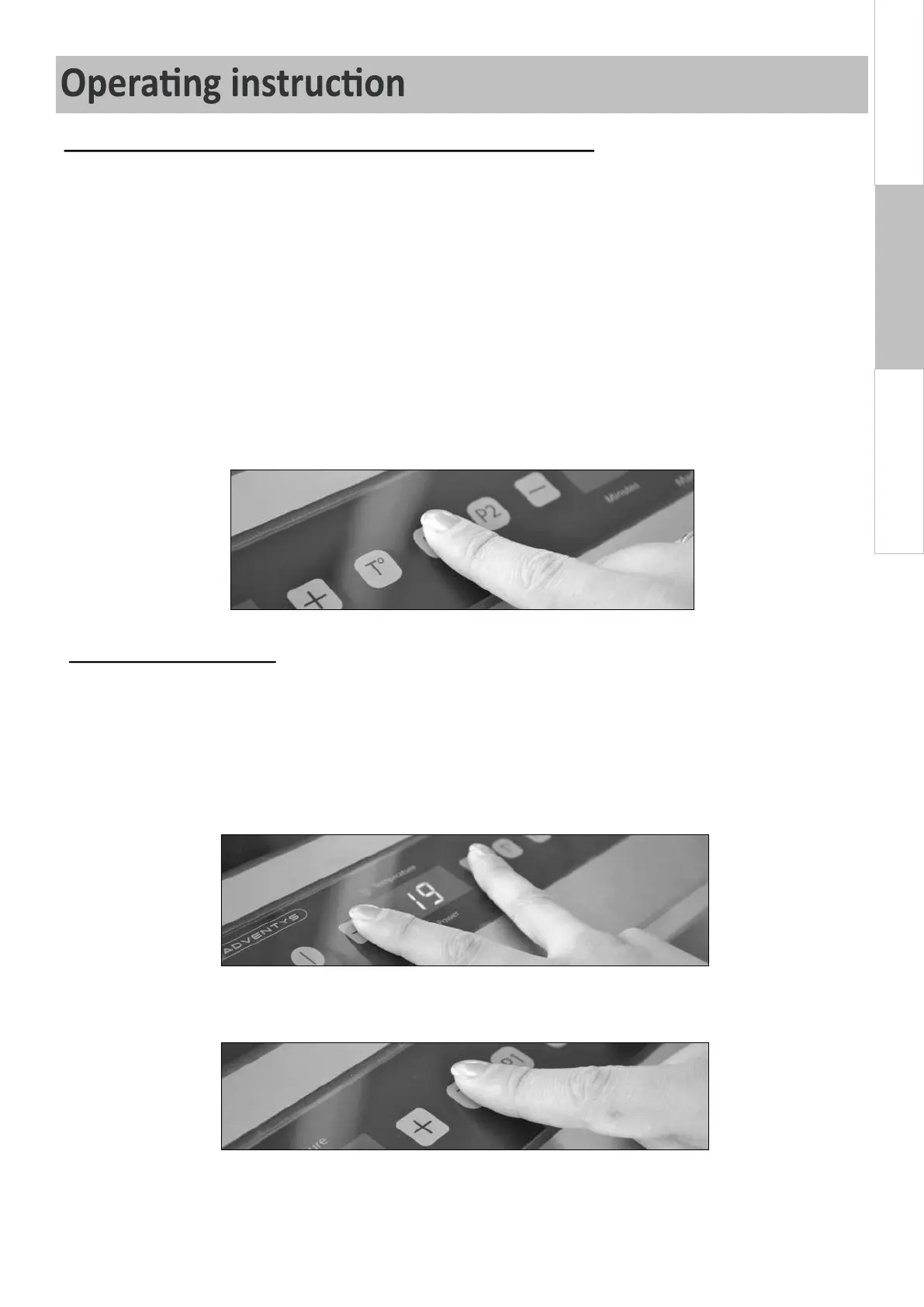
- They are « preselected » power or temperature levels. The user selects the power level of temperature that
needs to be memorized by holding or for 3 seconds - bip sound means it is saved. Even if the
product is unplugged and plugged back, and will remain saved.
saves 1 temperature level + 1 power level, saves 1 temperature level + 1 power level, so you have
4 memorized opons. To change at any me the memorized power or temperatur elevel, press and
and the new power or temperature level will be saved.
Recommendaon: memorize the power or temperature level the most commonly used; this way the next me
the user turns the unit on, all he needs to press is and or to have the quickest access
to desired power or temperature.
- The are indicator of temperature. When in emperature mode, aer selecng a temperature level, press
and simultaneously: the temperature of the vitroceramic glass/boom of the pan appaers on the
display.
By pressing simultaneously and -, you can:
- Switch from to and reciprocally, from was levels to power levels (within power
mode)
- Switch from to and reciprocally, from to
(within temperature mode)
- Select to enter/exit the mode or the mode.


 To Next Page