24
ontrol of the pan quality
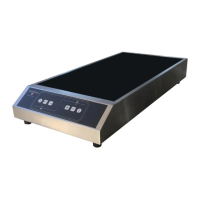
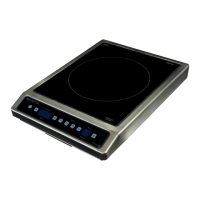
For controling the pan quality. The product must be in power mode with display in was mode. Place a pan full of
water on the cooktop and select the full power seng (3000 or 3600W) then press and simulta-
neously: the actual consumpon appears on the display which also indicates the quality of the pan.
If the power diplayed is:
- higher than : The quality of the pan is good.
- Between and : the quality of the pan is average.
- Less than : the quality of the pan is poor.
If the power diplayed is:
- higher than : The quality of the pan is good.
- Between and: the quality of the pan is average.
- Less than : the quality of the pan is poor.
This measure can vary according to the operang life of the product before the measure, the temperature of the
room, or the load of the pan.
A pan with a poor quality lead overheang and a loss of eciency of the device.
The device is extremely safe. It makes a permanent control of the values of temperature and other electric para-
meters to guarantee to the user the best level of performance and safety at every moment.
A ashing error code « Fx » can appear on the display to warn about a malfunconing.
The code error ashing is eecve as long as the user doesn’t stop the device manuallyunplug and replug the
unit, and then relaunch the device using the « On/O » touch.
If a code error becomes permanent without having the possibility of cancelling it by trying to relaunch the device,
it is advised to get in touch with the aer-sales service specied by the retailer of the product.


 To Next Page