2. Installation and operation
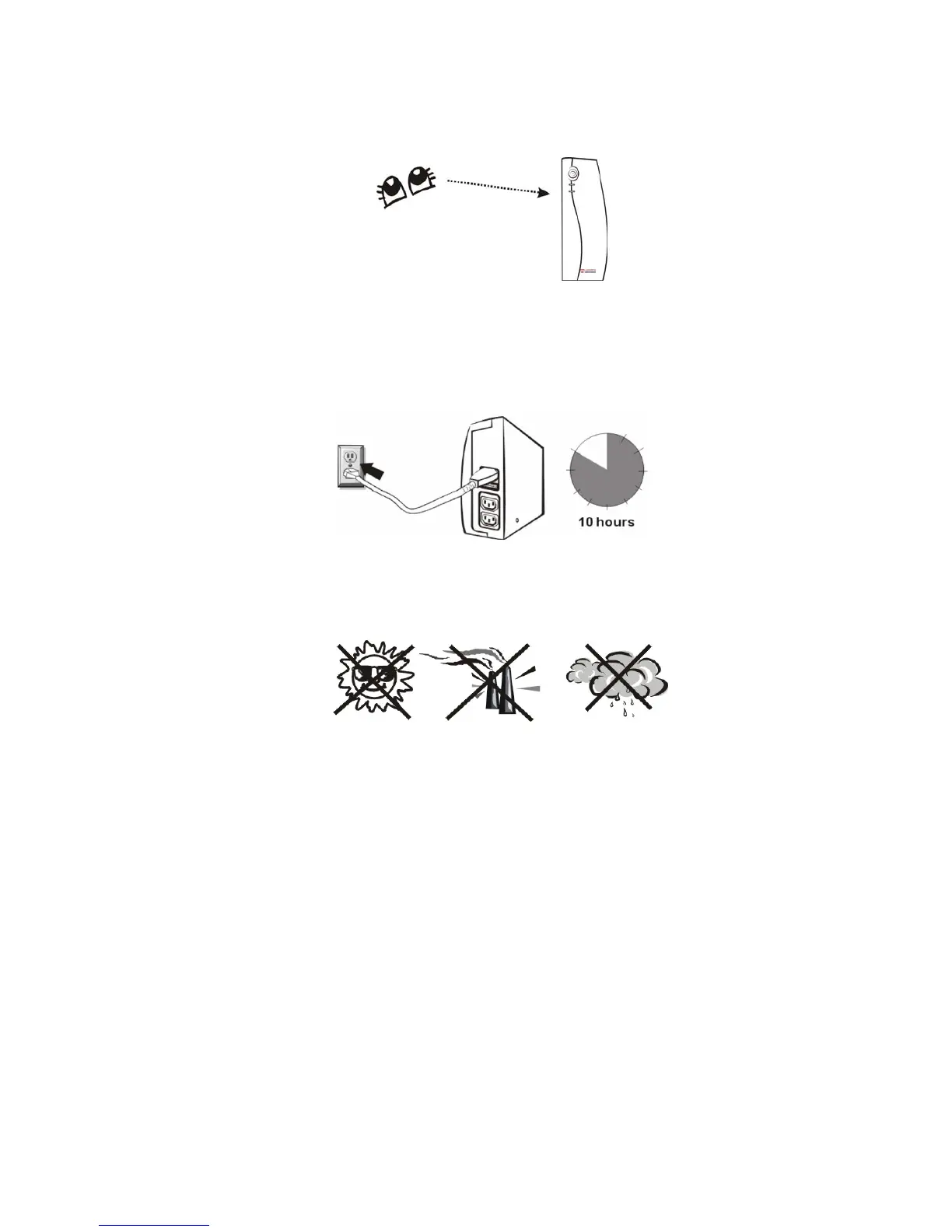
1. Inspection
Remove the UPS from its packaging and inspect it for damage that may
have occurred during shipping. If any damage is discovered, repack the
unit and return it to the place of purchase.
2. Charging
This unit is shipped from the factory with its internal battery fully charged,
however, some charge may be lost during shipping and the battery
should be recharged prior to use. Plug the unit into an appropriate power
supply and allow the UPS to charge fully by leaving it plugged in for at
least 10 hours with no load (no electrical devices such as computers,
monitors, etc.) connected.
3. Placement
Install the UPS unit in any protected environment that provides adequate
airflow around the unit, and is free from excessive dust, corrosive fumes
and conductive contaminants. Do not operate your UPS in an
environment where the ambient temperature or humidity is high.


 To Next Page