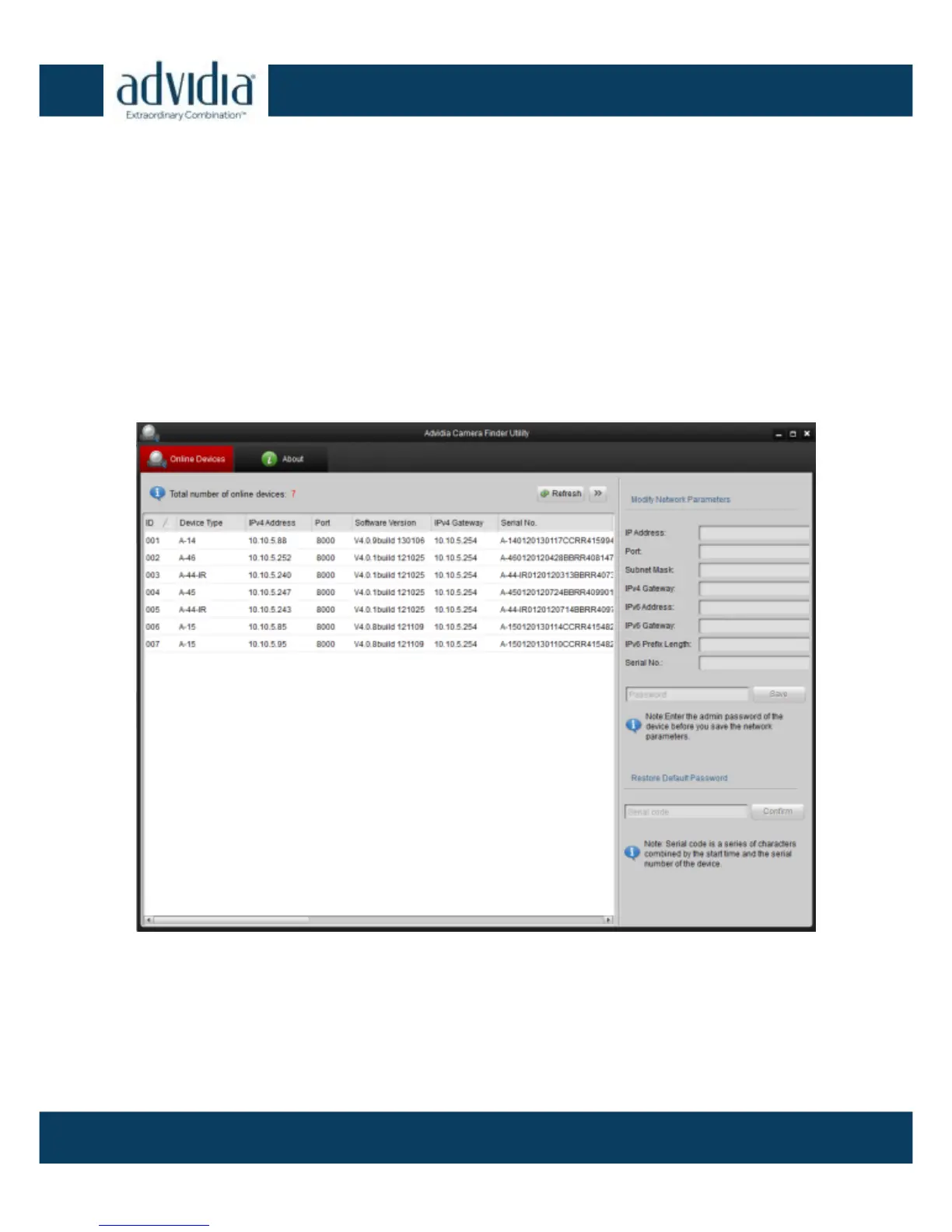
Search online devices automatically:
After launching the Advidia A Series Camera finder software,
it will automatically search for A series camera every 15
seconds from the subnet where your computer is connected.
It will display the total number and information of the found
A series devices within the “Online Devices” tab. Device
information includes the device type, IP address, port
number, and gateway.
Advidia Camera Finder Figure 3-2



 To Next Page