3 Setting the Network Camera over the
LAN
Purpose:
To view and configure the camera via LAN (Local Area Network), you
need to connect the network camera in the same subnet with your
PC. Then, install the Advidia Camera finder utility to find and change
the IP of network camera.
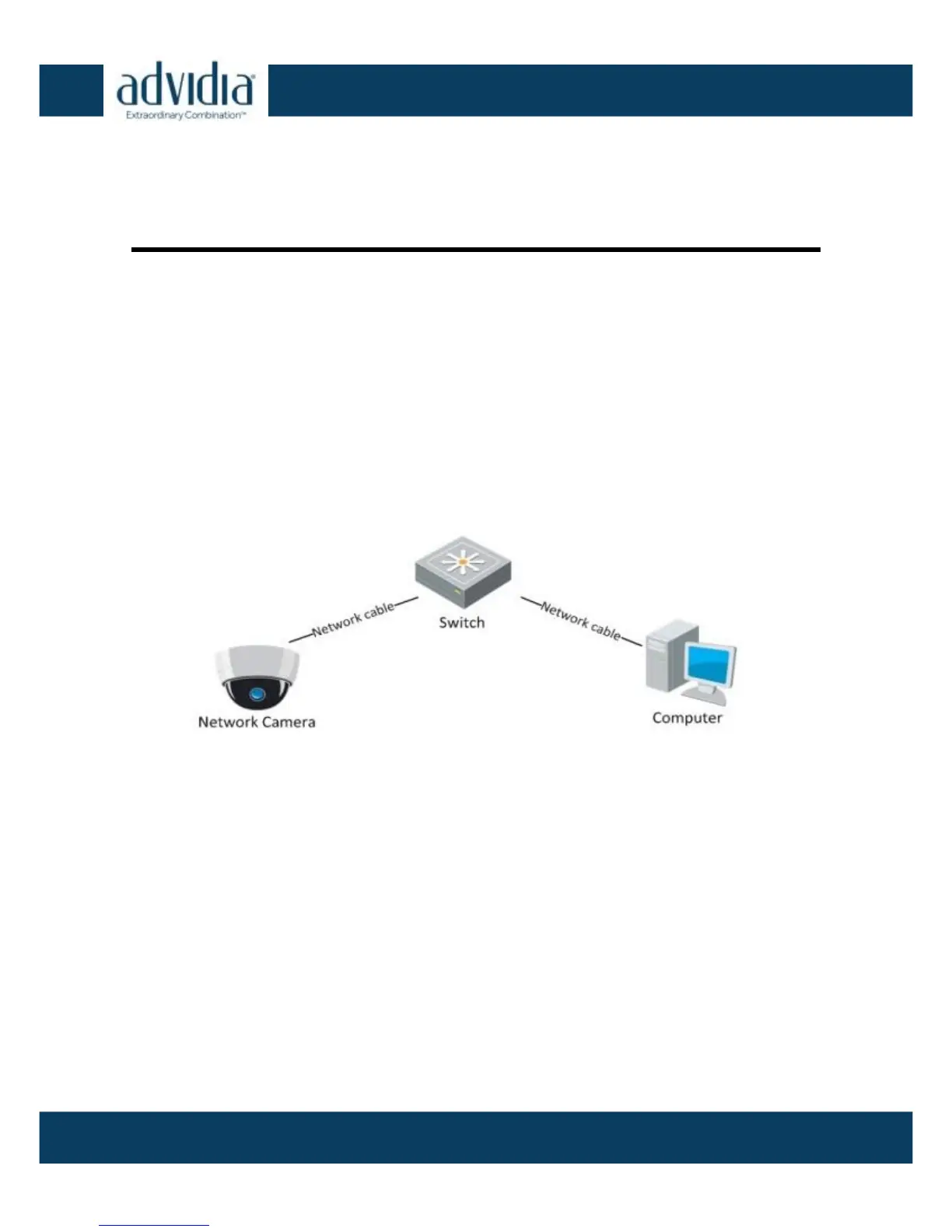
The following figure shows the cable connection of the network
camera and PC:
Wiring over LAN Figure 3-1
Set the IP address of the camera for accessing via LAN.
Steps:
1. To find the IP address, please do the following:
2. Change the IP address and subnet mask to the same subnet as of
your PC.
Refer to the following introductions to set IP address with the
Advidia Camera Finder software:
Using Advidia Camera
Finder



 To Next Page