Install the Front Cover Figure 2-13
5. Remove the protective film carefully to complete the installation.
Do not remove the protective film until the installation is
complete.
To avoid fingerprints, do not touch the inside dome of the
housing with your hands.
Wall Bracket Installation 2.4
Steps:
1. Install the wall bracket to the wall with the supplied screws in
the wall bracket package.
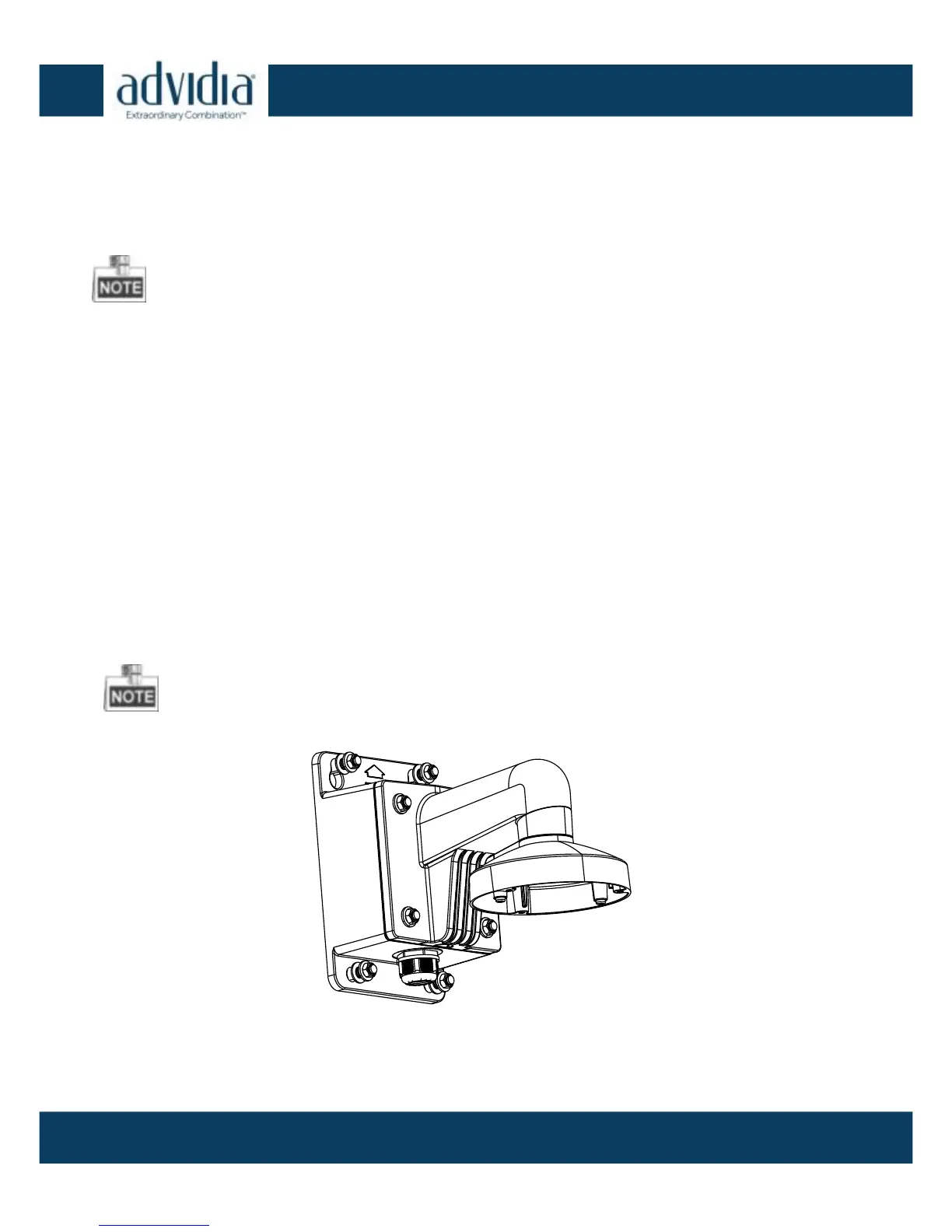
The optional wall mount with junction box for the A-47 IR is part#
A-46-WM.
Install Wall Bracket Figure 2-14



 To Next Page