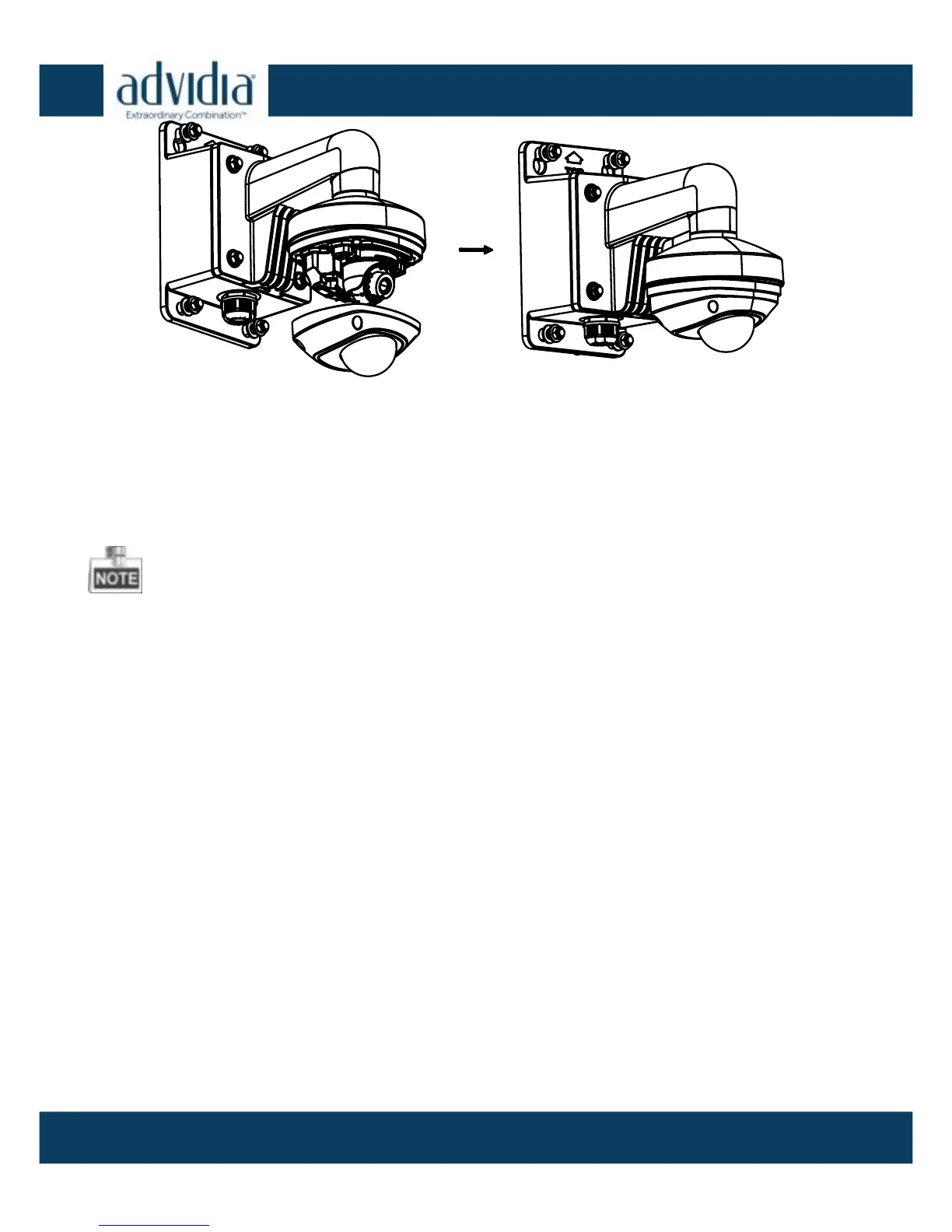
Install the camera housing Figure 2-17
5. Remove the protective film carefully to complete the installation.
Do not remove the protective film until the installation is
complete.
To avoid fingerprints, do not touch the inside dome of the
housing with your hands.
Install the Micro SD Card 2.5
The A-47 IR supports local storage; please refer to the following
steps to install the micro SD card.
Steps:
1. Remove the housing by loosening the set screws on it.



 To Next Page