PROGRAM DATE, CLOCK AND LANGUAGE
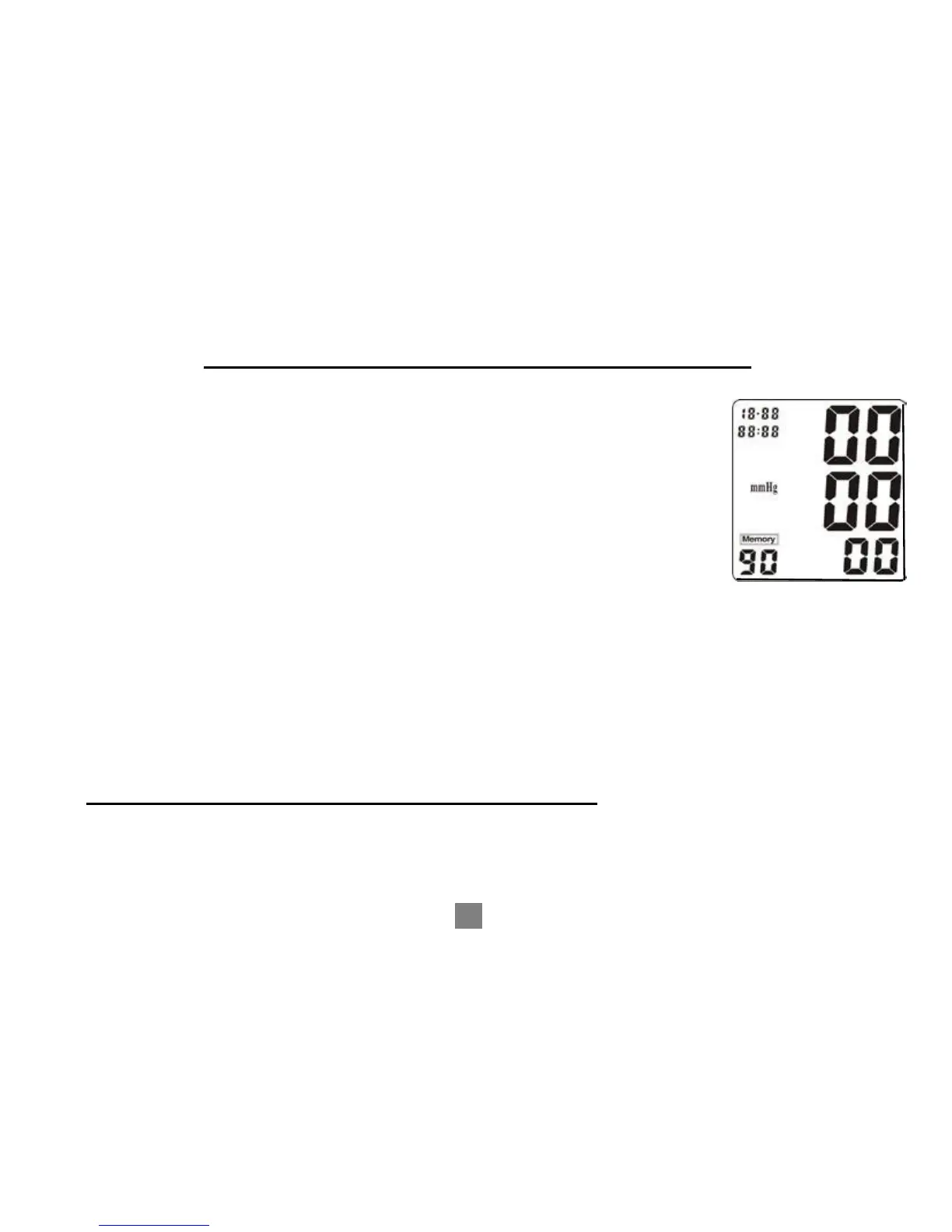
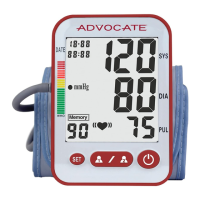
★ While the monitor is turned off, press the “SET” button for about
5 seconds, the number of the YEAR will begin to blink on the
LCD display. Press the “M” (for memory) button to change the
YEAR. Each time you press the “M” button, it will change one
YEAR forward.
★ Once the YEAR is set up, press and release the “SET” button
once, the MONTH signal will begin to blink. Press the “M”
button once to change the MONTH. Each time you press the
“M” button, it will change one MONTH forward.
★ Once the MONTH is set up, press and release the“SET”
button once. The DAY signal will begin to blink. Press the
“M” button to change the DAY. Each time you press
the “M” button, it will change one DAY forward.
★ REPEAT THIS PROCESS FOR SETTING THE TIME.
Use the “SET” button to change (Hours/Minutes) and the “M” button will change
the numbers forward.


 To Next Page