DISPLAYING AVERAGE MEASUREMENT (Aug) AND MEMORY RESULTS:
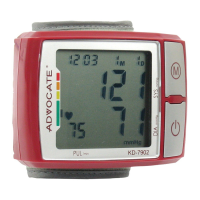
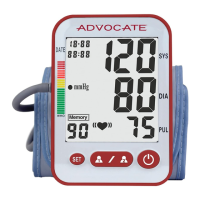
★ Each time you press and release the “M” button while the monitor is
turned off, the LCD will display the symbol “AUg” on the left upper corner
of the LCD screen to show the average of the last three measurements
recorded.
★ To review other results stored in the memory – Press the “M” button to
scroll through previous measurements. Each time you press and release
the “M” button the most current result will be displayed.
DELETING A MEASUREMENT FROM THE MEMORY:
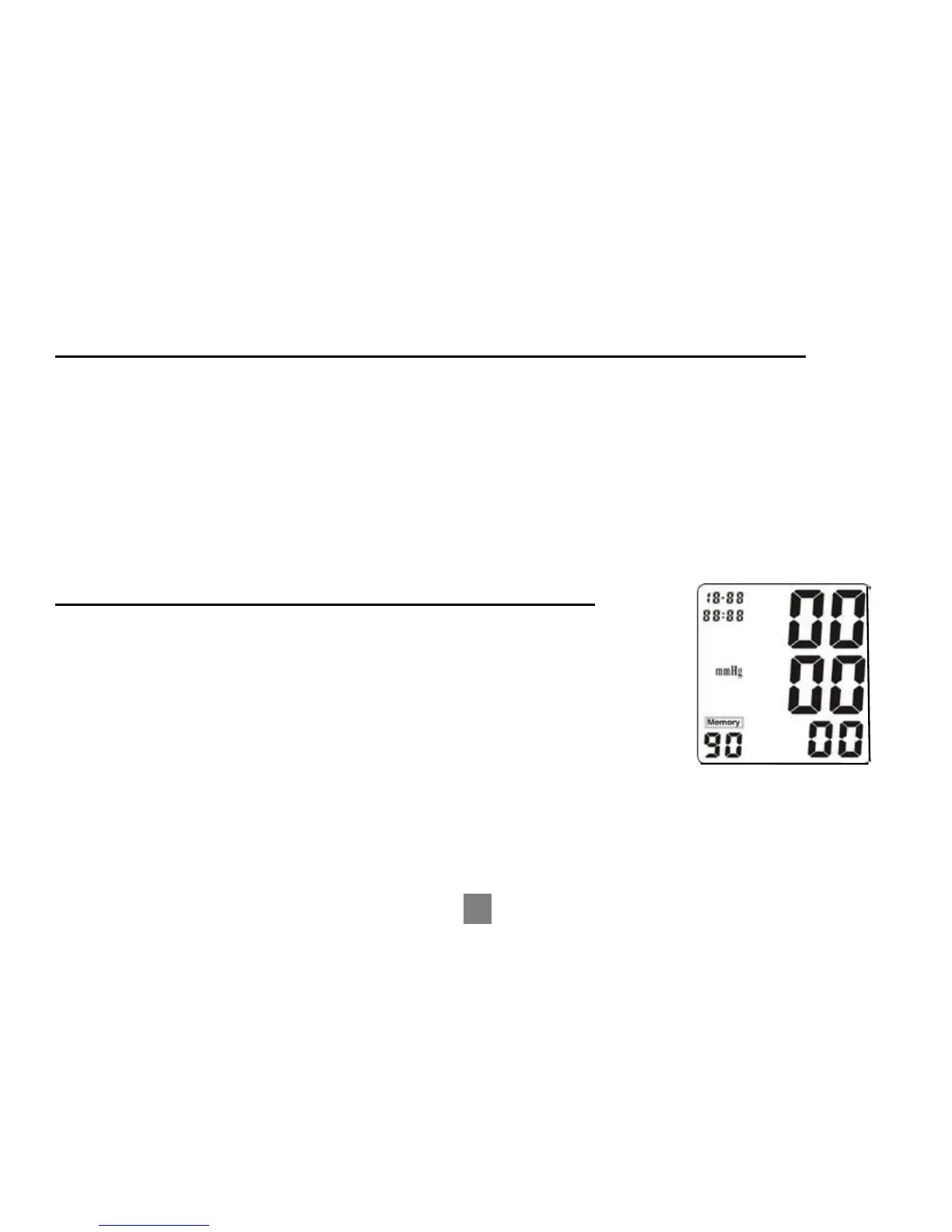
★ Press and hold the “MEMORY” button until all the numbers
change to ‘ZERO’. All results stored in memory are now
deleted.
NOTE: Date and time settings are not changed by using the
memory delete function.
12


 To Next Page