16
Virtual Response Time
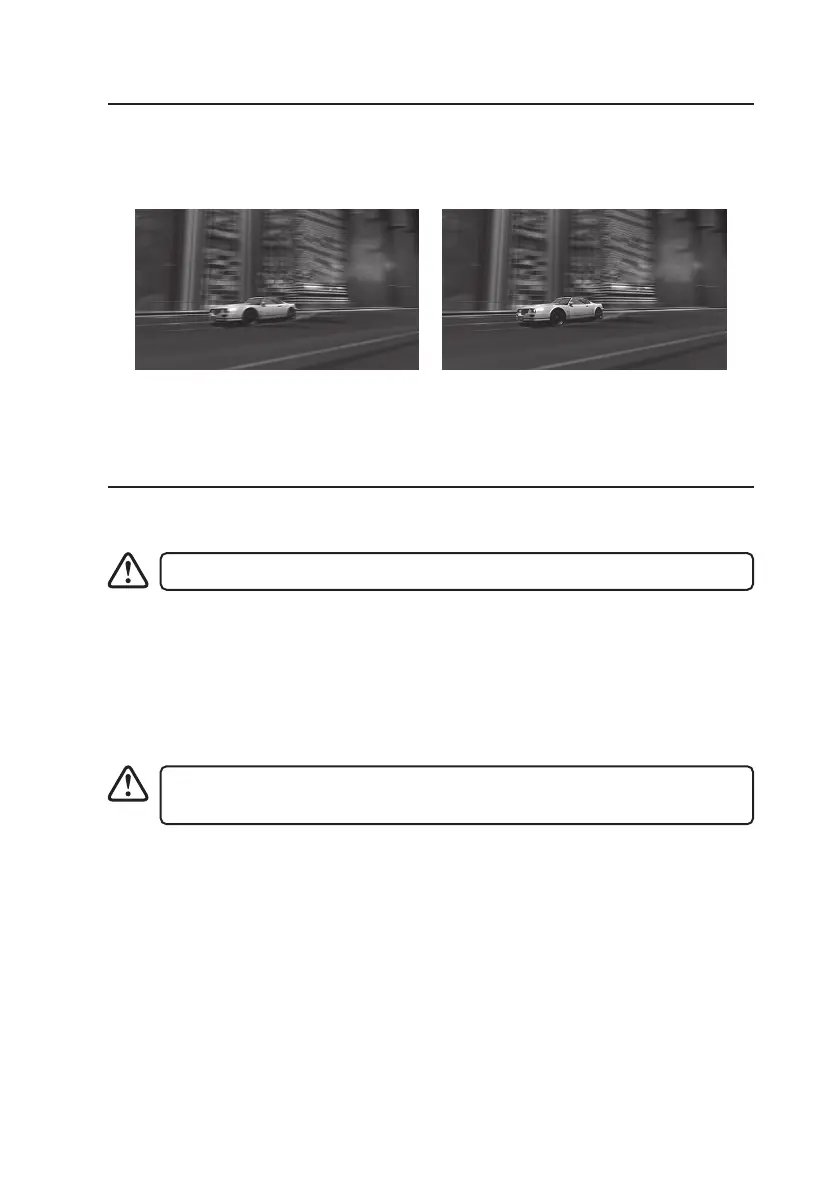
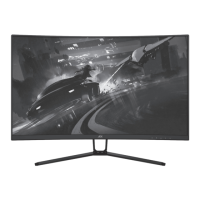
The unit supports Virtual Response Time. It provides a better display on fast moving images.
You may adjust the “Virtual Response Time“ setting in OSD menu.
Maintenance
Cleaning the Unit
Ensure the unit is fully unplugged from the mains socket before cleaning.
Ensure the unit is fully unplugged from the mains socket before cleaning.
• Use a soft dry cloth to wipe away the dust from the screen and surfaces.
• If the surfaces are extremely dirty, clean the monitor with a cloth which has been dipped
in a slightly soapy water. Wring the cloth until it is almost dry, then use it to wipe the
monitor.
• Ensure there is no excess water on the screen. Allow any water or dampness to
evaporate before switching the monitor on.
• Never use alcohol, benzine, paint-thinner, cleaning uid or other chemicals.
• Do not use compressed air to remove dust.
Virtual Response Time: O Virtual Response Time: On


 To Next Page