Setting Setting
62
63
8.4.11 Password Setting
Interface Description
This interface will be used to change
password for entry into the setup interface;
Press UP/DOWN to adjust the input figure;
Press Enter to move cursor backward,
confirm input and return to setup interface;
Press ESC to move cursor forward and
return to setup interface;
8.4.12 Maintenance
Interface Description
Maintainer use only.
8.4.13 Factory default setting
Interface Description
Press UP/DOWN button to move
corresponding options;
Press Enter to enter the selected item.
8.5 Inquiry
Interface Description
Press UP/DOWN button to move
corresponding options;
Press Enter button to jump to the selected
menu;
Press ESC button to return to user
interface (refer to 8.1.16);
There are four alternative options:
machine model,serial number,firmware
version and running records(refer to 1to4).
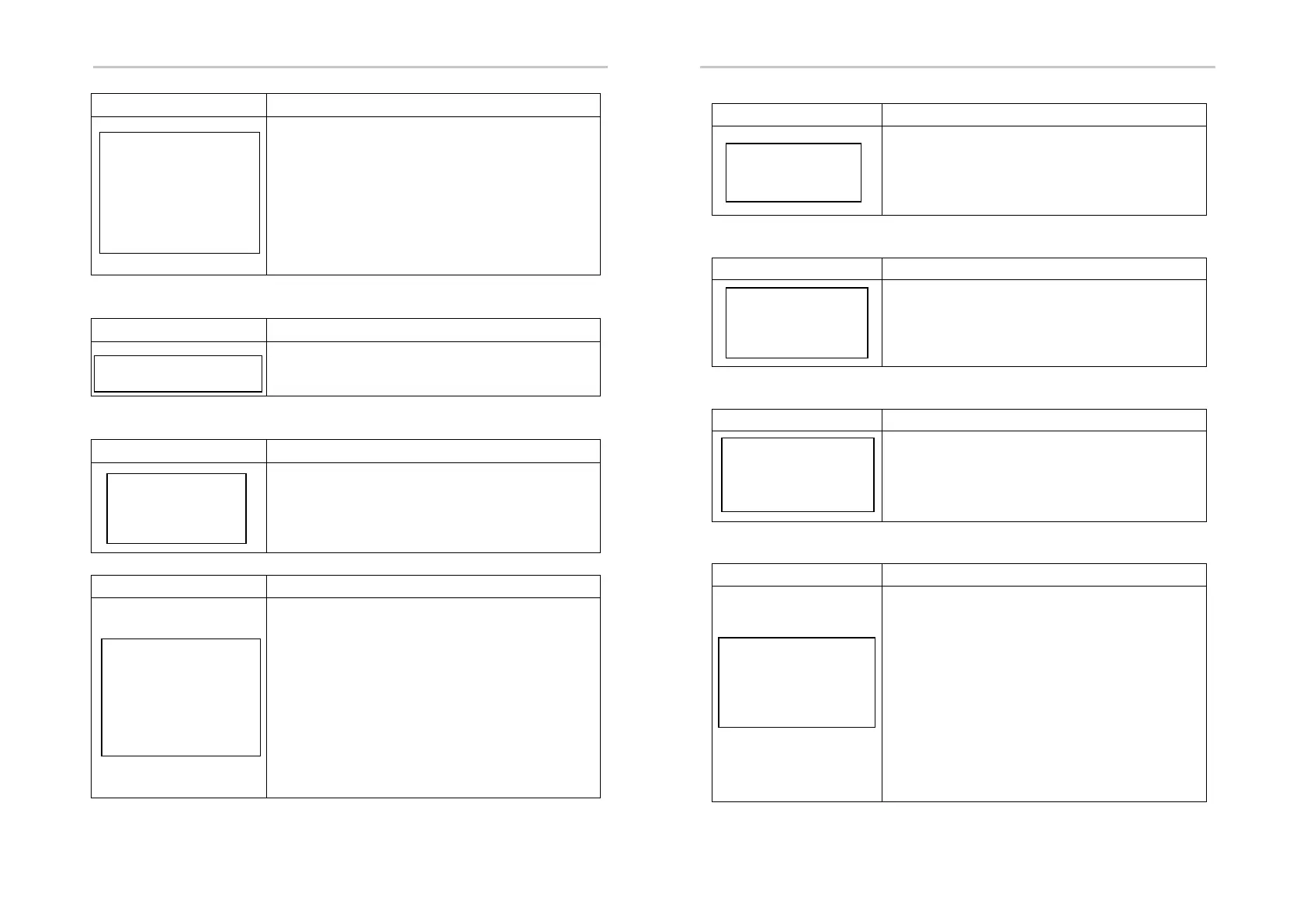
--PASSWORD--
OLD: XXXXX
NEW: XXXXX
CONFIRM:XXXXX
→12:MAINTENANCE
-FACTORY RESET-
→1:CANCEL
2:CONFIRM
--INQUIRE--
→ 1: INV MODULE
2:MODULE SN
3:FIRMWARE
4:RECORD
① Machine model
Interface Description
This interface displays machine model of
the inverter;
Press ESC button to return to inquiry
interface.
② Serial number
Interface Description
This interface displays serial number of
the inverter;
Press ESC button to return to inquiry
interface.
③ Firmware Version
Interface Description
This interface displays firmware version
for ARM and DSP of the inverter;
Press ESC button to return to inquiry
interface.
④ Running records
Interface Description
SN of the fault: Fault warning codes (500
at utmost)(the latest fault or alarm marked
as No.1)
Time of the fault:
Press UP/DOWN button to view the record;
Press ENTER button to enter the
description interface for corresponding
records;
Press ESC button to return to Inquiry
interface.
--INVERTER--
R5KL1
--INVERTER--
SN:
123456789532625
--FIRMWARE--
ARM VER:1.0.0
DSP VER: 1.0.0
--REC(170)--
1:F10-1
DATE: 2018-12-01
TIME: 00:01:02



 To Next Page