9
aee.com
DE
EN
ES
PT
IT
EL
FR
NL
PL
CS
HU
SV
FI
NO
RU
DA
4. Insert and Remove The Memory Card
S50+supportsexternalTFcardupto64GB.ThoughallTFcardsaboveClass10canbeused
on S50+, high-speed card is recommended to perform high-definition shooting. When
shooting during dynamic motion, brand SDHC cards are recommended for use in order to
ensure smooth shooting.
* Insert the memory card
a. EnsurethatS50+isswitchedoff.
b. InsertTFcardintothememorycardslotinthearrowdirectionflatlytotheend.A"click"
can be heard to indicate the card has been well inserted.
* Remove the memory card
PressthecenterofexposedpartofTFcardandTFcardwillpopupslightly.Thenpullit
out flatly.
Before connecting the host to Wi-Fi or the remote control, please first insert the TF card.
5. Startup
Turnthepowerkeyto"ON"toturnonS50+:
2 red indicators will be lit up, S50+ enters recording standby mode.
When host in power-on state, you can long press the Shutter key and Stop key
simultaneouslyfor5sthenreleasethekeystoturnitoff.Afterthehostturnoff,youcan
long press the Shutter key and Stop key simultaneously for 5s then release the keys to turn
it on.
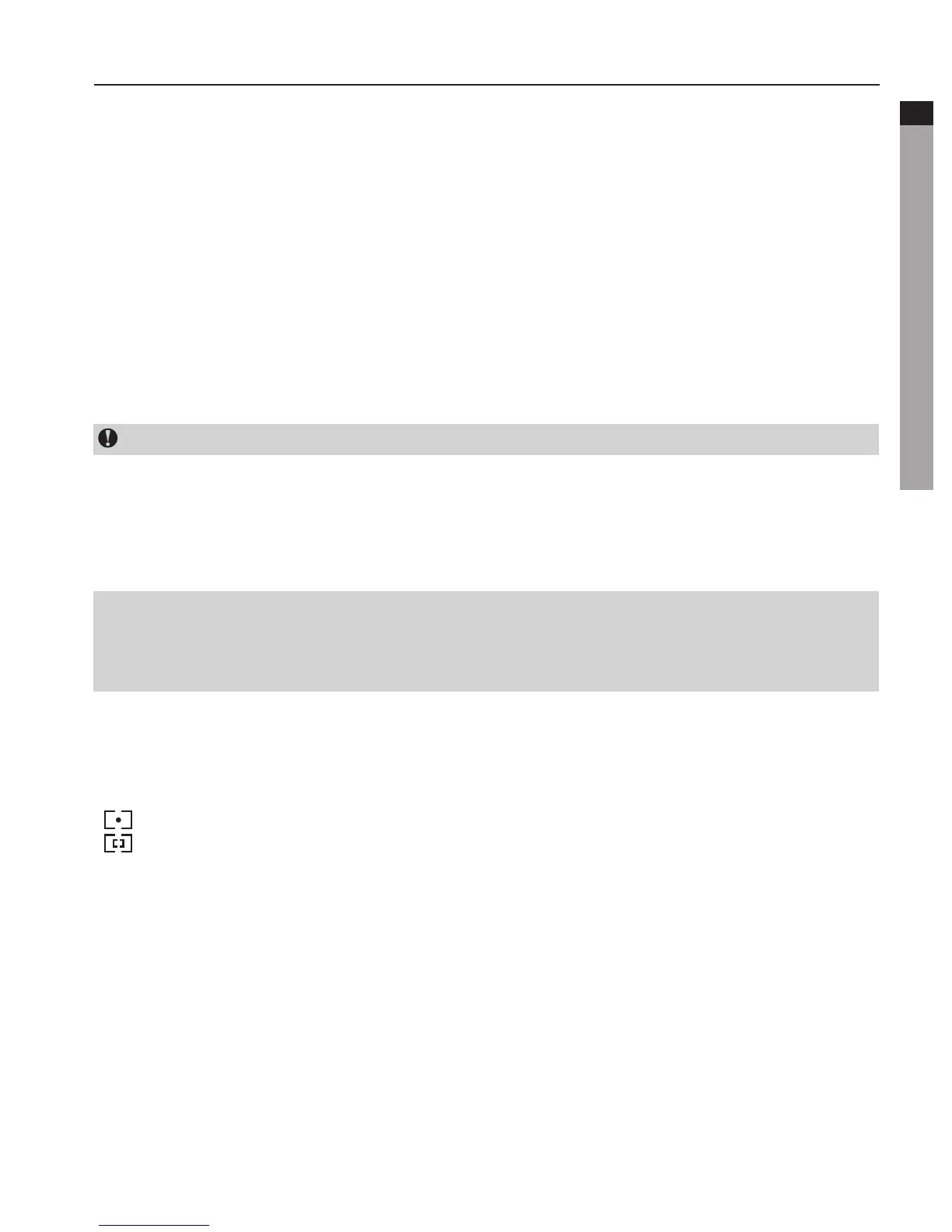
6. Select Light Metering Mode
To achieve the best exposure effect, use central spot light metering mode when the central
spot is bright while the surrounding environment is dark.
" " : Turn on central spot metering
" " : Turn off central spot metering
7. G-SENSOR
TurntheG-SENSORkeyto"ON".Thesystemwillautomaticallystartvideorecordingincase
ofshockortilting,etc.Especiallywhenthismodeisappliedinfixedinstallation.Whenthe
camera does not sense any gravity change for 3 minutes, it will exit video recording.



 To Next Page