11
aee.com
DE
EN
ES
PT
IT
EL
FR
NL
PL
CS
HU
SV
FI
NO
RU
DA
3. Parameter Setting For Video Recording
Performthefollowingstepstosettheparametersforvideorecording:
a. Press"M"keytoenterthesettingmenu;
b. Press"<"/">"keytoselect" ";
c. Press"+"/"-"keytomovecursortothesub-menuyouwanttoconfigure,Press"OK"key
to enter the sub-menu;
d. Press"<"/">"keytoselecttheparametersyouwant;
e. Press"OK"keytoconfirm;
f. Press"M"keyagaintoexitthesettingmenu.
• Execution Mode
- Videorecording( );
- Voicerecording( );
- AutoVideoMode( ): If this function is enabled, the system will auto start recording
videos according to the countdown time you set. The available options are 5s, 10s, 20s;
• Video resolution
The optional resolutions for video recording are listed as below:
Resolutions PAL System NTSC System
1080i(16:9)
1920x1080
50fps 60fps
1080P(16:9)
1920x1080
25fps 30fps
960P(4:3)
1280x960
25fps 30fps
720P(16:9)
1280 x 720
25fps, 50fps 30fps, 60fps
480P(16:9)
848 x 480
50fps, 100fps 60fps, 120fps
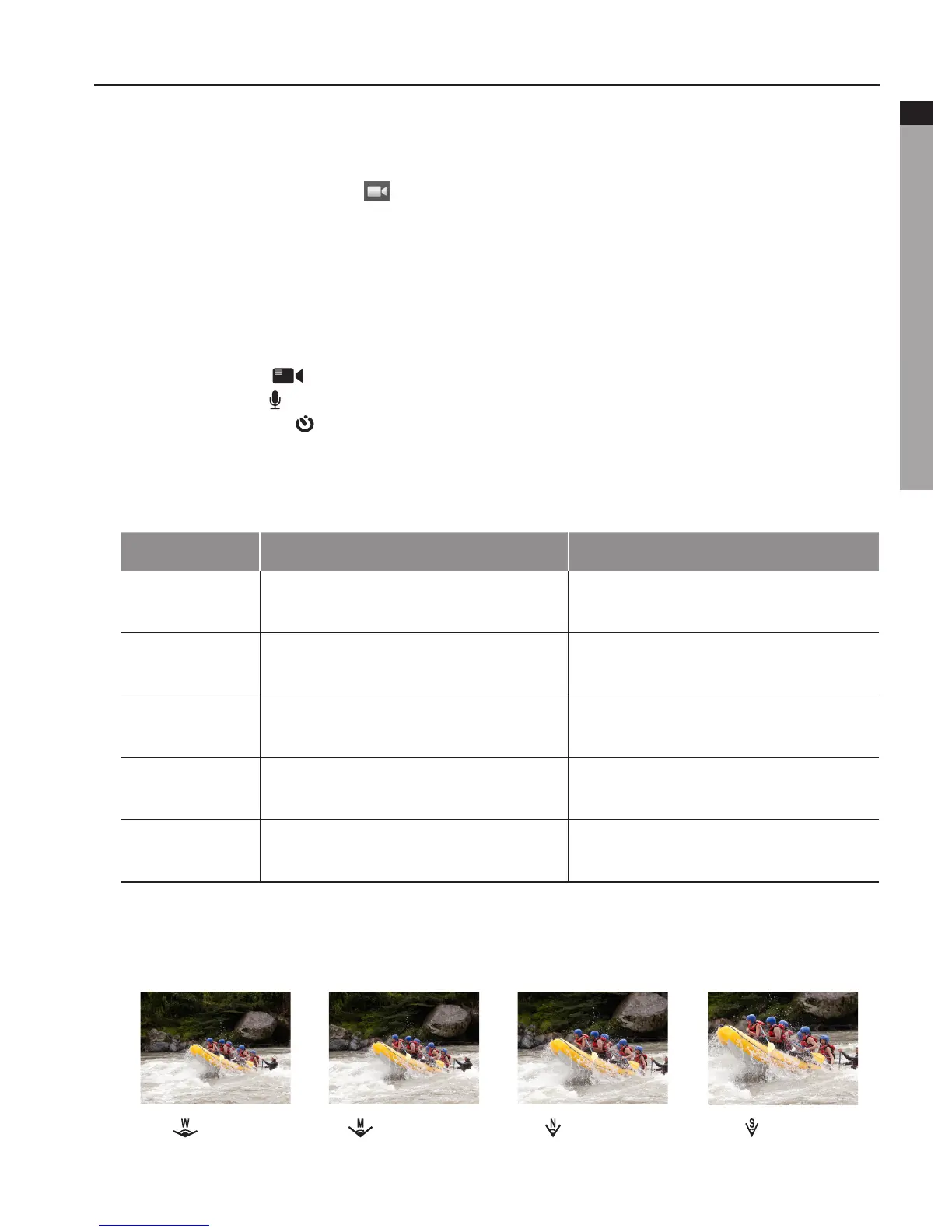
• View Angle
Optionalviewangle:Wide,Medium,Narrow,Small.(Thefunctionisunavailablein960P,
720Pand480Pmodes.)
: Wide :Medium : Narrow
: Small



 To Next Page