17
aee.com
DE
EN
ES
PT
IT
EL
FR
NL
PL
CS
HU
SV
FI
NO
RU
DA
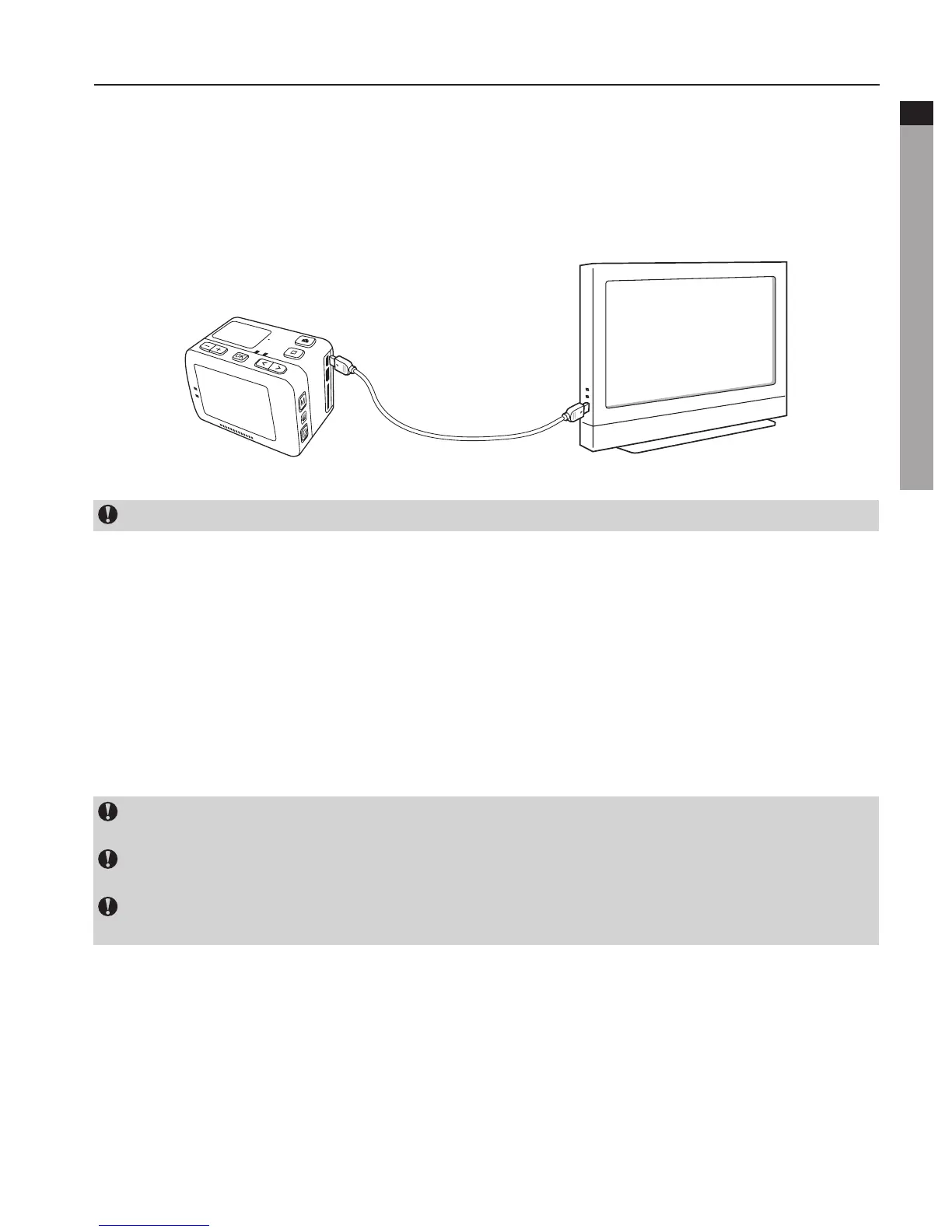
4. View Video/Photo On HDTV
TherecordedfilescanalsobeplayedonTVordisplaywithHDMIinterface.
EnsurethatyourcameraisproperlyconfiguredtoNTSC(NorthAmerica)orPAL(Non-
NorthAmerica)videoformat;otherwise,thevideoandimagesonS50+cannotbeproperly
displayedonTV.UseHDMIcabletoconnectS50+totheTVset:
This function is not available when opening Wi-Fi.
5. Upload Audio/Video/Photo Files to PC
a. UseUSBdatacabletoconnectthecameratoaPC;
b. Switch on S50+;
c. Clickthe"MyComputer"icononthedesktopandfindthe"RemovableDisc".Ifthecamera
isnotdetected,close"MyComputer"windowandreopenitafterawhile.The"removable
disc" will be displayed;
d. Double click the "removable disc" icon;
e. Enterthe"removabledisc"andcopy/movethefiletothePC’sharddisk.
You can not record image or video files on the micro TF card inserted in the camera,
fromaPC(viaUSBcable).
YoucannotdeleteimagefilesorvideosstoredinthemicroTFcard,fromthePC(viaUSB
cable). You can only do it on the camera.
YoucannotputafilefromyourPCtothemicroTFcardinsertedinthecamera(viaUSB
cable).



 To Next Page