18
aee.com
DE
EN
ES
PT
IT
EL
FR
NL
PL
CS
HU
SV
FI
NO
RU
DA
Wi-Fi
With integrated Wi-Fi module, S50+ can be connected with Wi-Fi remote control,
smartphoneortabletPCtoachieveremotecontrolfunction.Firstpleaseinstallappropriate
APPsoftwareprovidedbyAEEtoyourdevice.
Bynow,theWi-FiAPPisalreadyuploadtoiphoneAPPstoreandgoogleplaystore,
customers can freely download it.
1. Wi-Fi Starting and Connection
a. PushWi-Fikeyto"ON"toswitchonWi-Fifunction:
The blue indicator starts to flash and Wi-Fi signal icon " " can be seen on the upper
left corner of TFT display.
Do not perform any key operation when waiting the Wi-Fi function to be enabled or
disabled.
b.SearchforWi-Fihotspotonamobilereceivingdevice,select"AEEMagicam"networkand
connectit(defaultpassword:AEE12345).
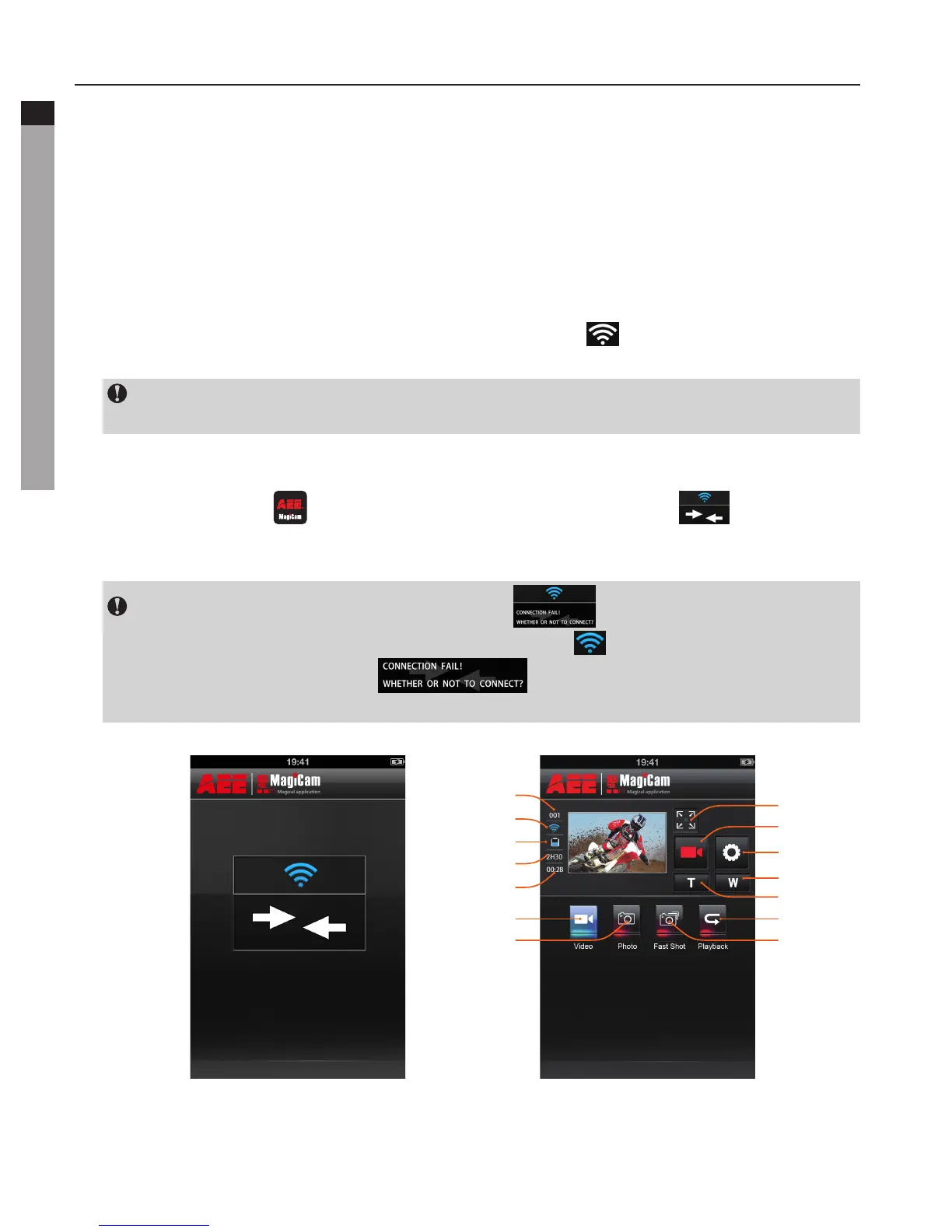
c.ClicktheAppicon" " on the mobile device to display the icon ( ) shown in Fig.
1.EntertheinterfaceshowninFig.2toremotelyviewyourcamera’sscreenandsetup
parameters.
In case of Wi-Fi connection failure, the icon " " will appear. Select "Yes" to try
to connect again. If you select "No", click the icon " "toentertheWLANsettings
interface or click the icon " " to enter the main interface to view
localfilesonly(OnlyAndroidversion),nootheroperationissupported.



 To Next Page