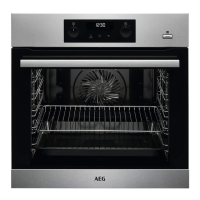
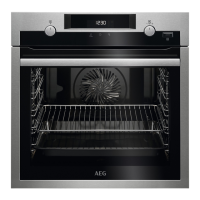
Wire shelf and deep pan together:
Place the wire shelf and the deep pan to‐
gether on the telescopic runner.
9. ADDITIONAL FUNCTIONS
9.1 How to use: Child lock
When the function is on the oven cannot
be turned on accidentally.
Step 1 Ensure the knob for the heat‐
ing functions is in the off posi‐
tion.
Step 2
, - press and hold at the
same time for 2 sec.
The signal sounds. SAFE , - appear on
the display. The door is locked.
To turn off the Child Lock, repeat the step
2.
9.2 Residual heat indicator
When you turn off the oven, the display
shows the residual heat indicator if
the temperature in the oven is more than
40 °C.
9.3 Automatic switch-off
For safety reasons the oven turns off
after some time, if a heating function
works and you do not change any
settings.
(°C) (h)
30 - 115 12.5
120 - 195 8.5
200 - 245 5.5
250 - maximum 3
After an automatic switch-off, turn the
knobs to the off position.
The Automatic switch-off does not work
with the functions: Light, Duration, End
Time.
9.4 Cooling fan
When the oven operates, the cooling fan
turns on automatically to keep the
surfaces of the oven cool. If you turn off
the oven, the cooling fan can continue to
operate until the oven cools down.
10. HINTS AND TIPS
Refer to Safety chapters.
www.aeg.com16



 To Next Page