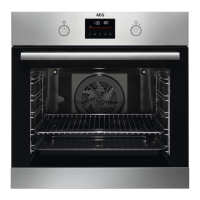
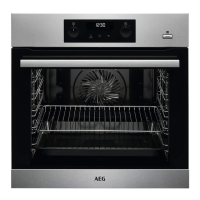
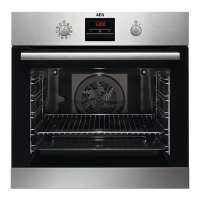
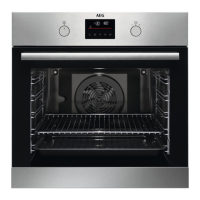
4.2 Sensor fields / Buttons
To set the MINUTE MINDER. Hold it for more than 3 sec‐
onds to turn on or turn off the oven lamp.
To set a clock function.
To check the oven temperature or the temperature of the
core temperature sensor (if applicable). Use only while a
heating function operates.
To turn on the True Fan Cooking PLUS function.
4.3 Display
A. Timer / Temperature
B. Heat-up and residual heat indicator
C. Food Sensor (selected models only)
D. Door lock (selected models only)
E. Hours / minutes
F. Demo Mode
G. Clock functions
5. BEFORE FIRST USE
WARNING!
Refer to Safety chapters.
Set the time before you use the oven.
5.1 Initial Cleaning
Step 1 Step 2 Step 3
Remove all accessories and
removable shelf supports
from the oven.
Clean the oven and the ac‐
cessories with a soft cloth,
warm water and a mild de‐
tergent.
Place the accessories and
the removable shelf supports
in the oven.
5.2 Initial preheating
Preheat the empty oven before the first use.
Step 1 Remove all accessories and removable shelf supports from the oven.
ENGLISH 9


 To Next Page