Operating Instructions
28
Oven Child Safety Feature
The oven is equipped with a child safety feature. As soon as the child
safety feature is activated, the oven cannot be used.
3
To activate the child safety feature, there must be no oven function se-
lected.
Activating the child safety feature
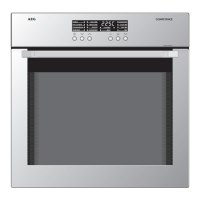
1. If necessary, switch on the appli-
ance using the mains button.
2. Hold down oven function selec-
tor buttons X and Y simulta-
neously until “SAFE” appears in
the oven display.
The child safety feature has now
been activated.
Deactivating the child safety feature
Hold down oven function selection buttons X and Y simultaneously
for approx. 2 seconds.
The child safety feature has now been deactivated and the oven is
again ready for use.
3
Switching off the appliance with the mains button does not cancel the
child safety feature.


 To Next Page
 Loading...