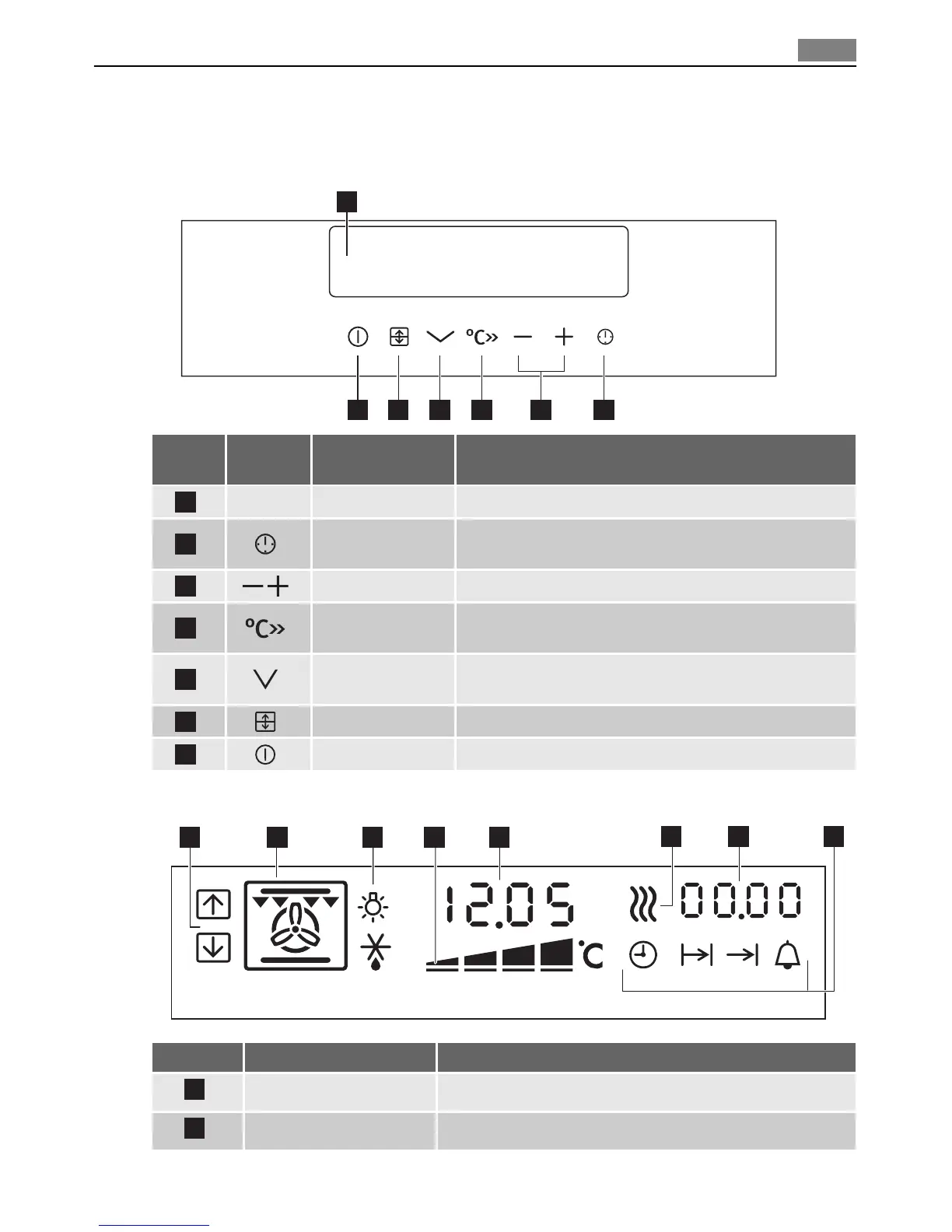
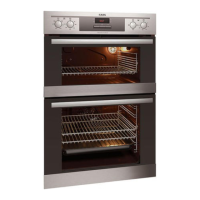
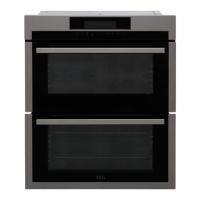
CONTROL PANEL
Control panel
7 6 5 4 2
1
3
Num-
ber
Button Function Description
1
– Display Shows current settings of the oven.
2
Clock function
button
To set a clock function.
3
Setting buttons To set the value for the temperature and time.
4
Temperature but-
ton
To show an oven temperature.
5
Oven function se-
lection
To set an oven function or programme.
6
Oven selection To switch between top and main oven.
7
On/Off To set the oven on or off.
Indicators of display
21 5
6
43
7 8
Number Name Description
1
Top/Main oven indicator Shows which oven operates.
2
Oven function indicator Shows the function.
Control panel 9


 To Next Page