59
4. Operation
Control panel
Note: To select the commands, simply touch (press) the symbols representing them
Keys
1. ON/OFF of the hob / extractor fan for hob
2. Select cooking zone
Increase Power Level
3. Increase extraction speed (power)
4. Decrease Power Level
Decrease extraction speed (power)
Decrease Timer value
5. Activate Timer
Increase Timer value
6. Activate automatic functions
Reset filter saturation
Display / LED
7. View Power Level
8. View extraction speed (power)
9. Timer active indicator
10. Timer value indicator
11. Automatic extraction function indicator
Filter assistance indicator
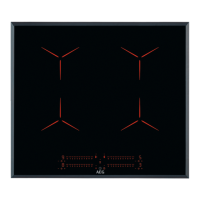
Cooking zone :
RL = rear left
FL = front left
RR = rear right
FR = front right


 To Next Page