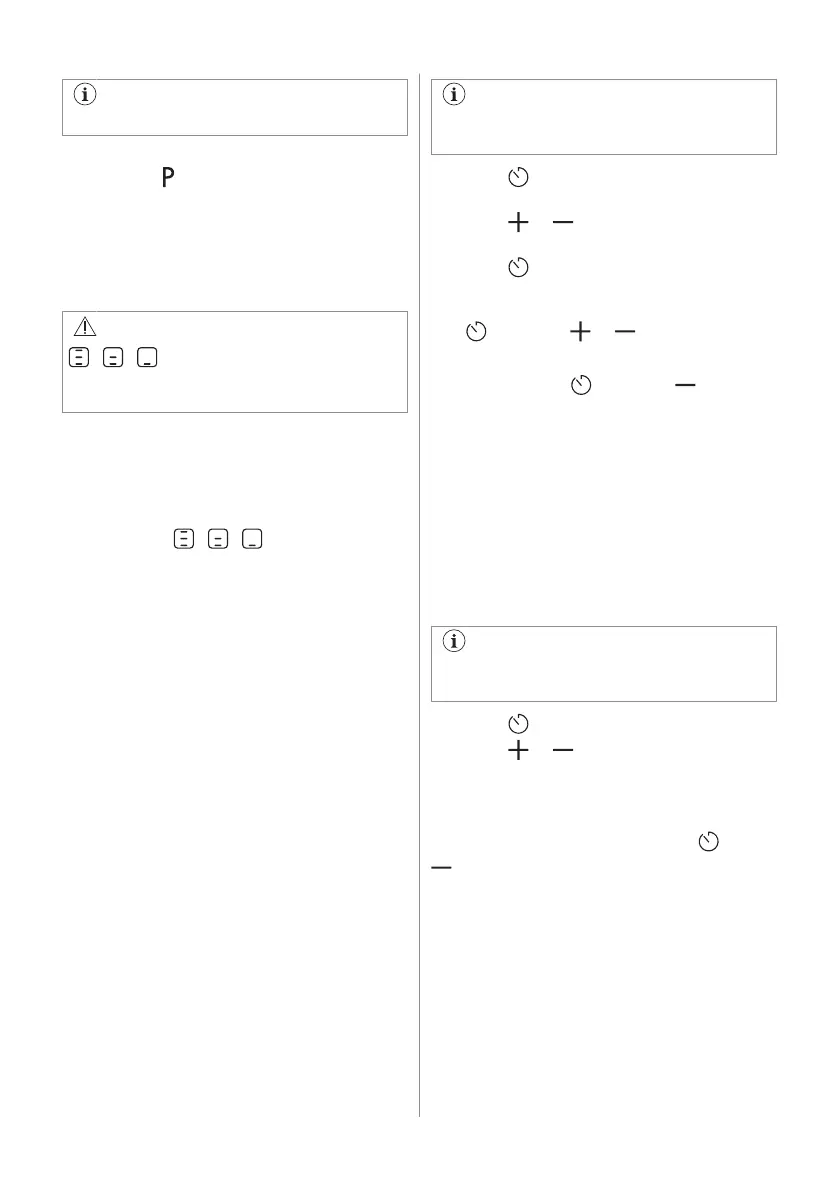
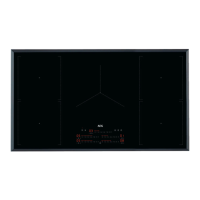
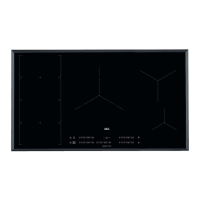
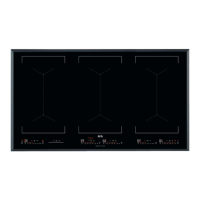
Refer to “Technical data” chapter.
To activate the function for a cooking
zone: touch .
To deactivate the function: change the heat
setting.
6.6 OptiHeat Control (3 step
Residual heat indicator)
WARNING!
/ / As long as the indicator is
on, there is a risk of burns from residual
heat.
The induction cooking zones produce the
heat necessary for the cooking process
directly in the bottom of the cookware. The
glass ceramic is heated by the heat of the
cookware.
The indicators / / appear when a
cooking zone is hot. They show the level of
the residual heat for the cooking zones you
are currently using.
The indicator may also appear:
• for the neighbouring cooking zones even if
you are not using them,
• when hot cookware is placed on cold
cooking zone,
• when the hob is deactivated but the
cooking zone is still hot.
The indicator disappears when the cooking
zone has cooled down.
6.7 Timer
Count Down Timer
Use this function to specify how long a
cooking zone should operate during a single
cooking session.
Set the heat setting for the selected cooking
zone and then set the function.
You cannot activate the function while
the Hob²Hood function is running.
1. Press . 00 appears on the timer
display.
2. Press or to set the time (00-99
minutes).
3. Press
to start the timer or wait 3
seconds. The timer begins to count down.
To change the time: select the cooking zone
with and press or .
To deactivate the function: select the
cooking zone with
and press . The
remaining time counts back to 00.
The timer finishes counting down, a signal
sounds and 00 blinks. The cooking zone
deactivates. Press any symbol to stop the
signal and blinking.
Minute Minder
You can use this function when the hob is
activated but the cooking zones do not
operate. The heat setting shows 00.
You cannot activate the function while
the Hob²Hood function is running.
1. Press .
2. Press or to set the time.
The timer finishes counting down, a signal
sounds and 00 blinks. Press any symbol to
stop the signal and blinking.
To deactivate the function: press
and
. The remaining time counts back to 00.
6.8 Power management
If multiple zones are active and the
consumed power exceeds the limitation of the
power supply, this function divides the
available power between all cooking zones
(connected to the same phase). The hob
controls heat settings to protect the fuses of
the house installation.
12 ENGLISH



 To Next Page