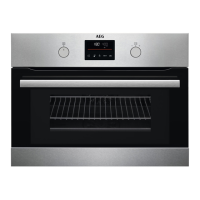
6.2 The menus in overview
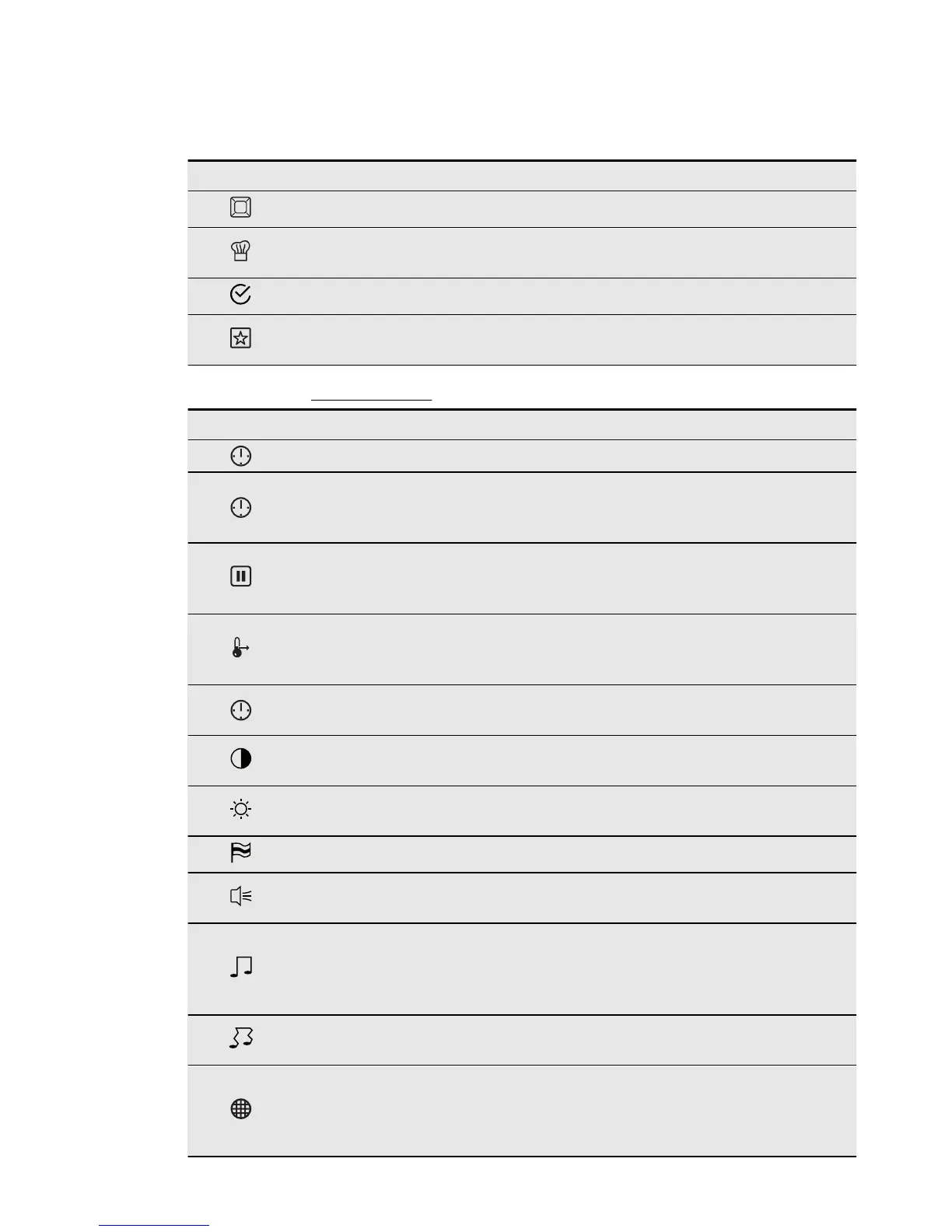
Main menu
Symbol Menu item Description
Heating Functions Contains a list of heating functions.
Assisted Cooking
Contains a list of automatic cooking
programmes.
Basic Settings Contains a list of other settings.
Favourite Programme
Contains a list of the favourite cook-
ing programmes saved by the user.
Submenu for: Basic Settings
Symbol Submenu Application
Set Time of Day Sets the current time on the clock.
Time Indication
When ON, the display shows the cur-
rent time after you deactivate the ap-
pliance.
SET + GO
When ON, you can activate the func-
tion after you activate a heating func-
tion.
Heat + Hold
When ON, you can activate the func-
tion after you activate a heating func-
tion.
Extra time
Activates and deactivates the func-
tion.
Display Contrast
Adjusts the display contrast by de-
grees.
Display Brightness
Adjusts the display brightness by de-
grees.
Set Language Sets the language for the display.
Buzzer Volume
Adjusts the volume of press-tones
and signals by degrees.
Key Tones
Activates and deactivates the tone of
the touch fields. It is not possible to
deactivate the tone of the ON / OFF
touch field.
Alarm/Error Tones
Activates and deactivates the alarm
tones.
Odour Filter
Some models only: activates or deac-
tivates the function and also prevents
odour during cooking. When OFF, it
cleans itself at intervals.
ENGLISH 11



 To Next Page