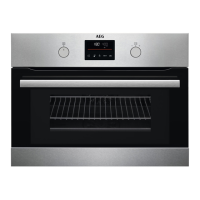
6.8 Microwave functions
Functions Description
Microwave Creates the heat directly in the food. Use it to heat pre-pre-
pared meals and drinks, to defrost meat or fruit, and to
cook vegetables and fish.
Combi Use it to operate the oven function and the microwave
mode together (selected models only). Use it to cook food
in a shorter time and brown it at the same time.
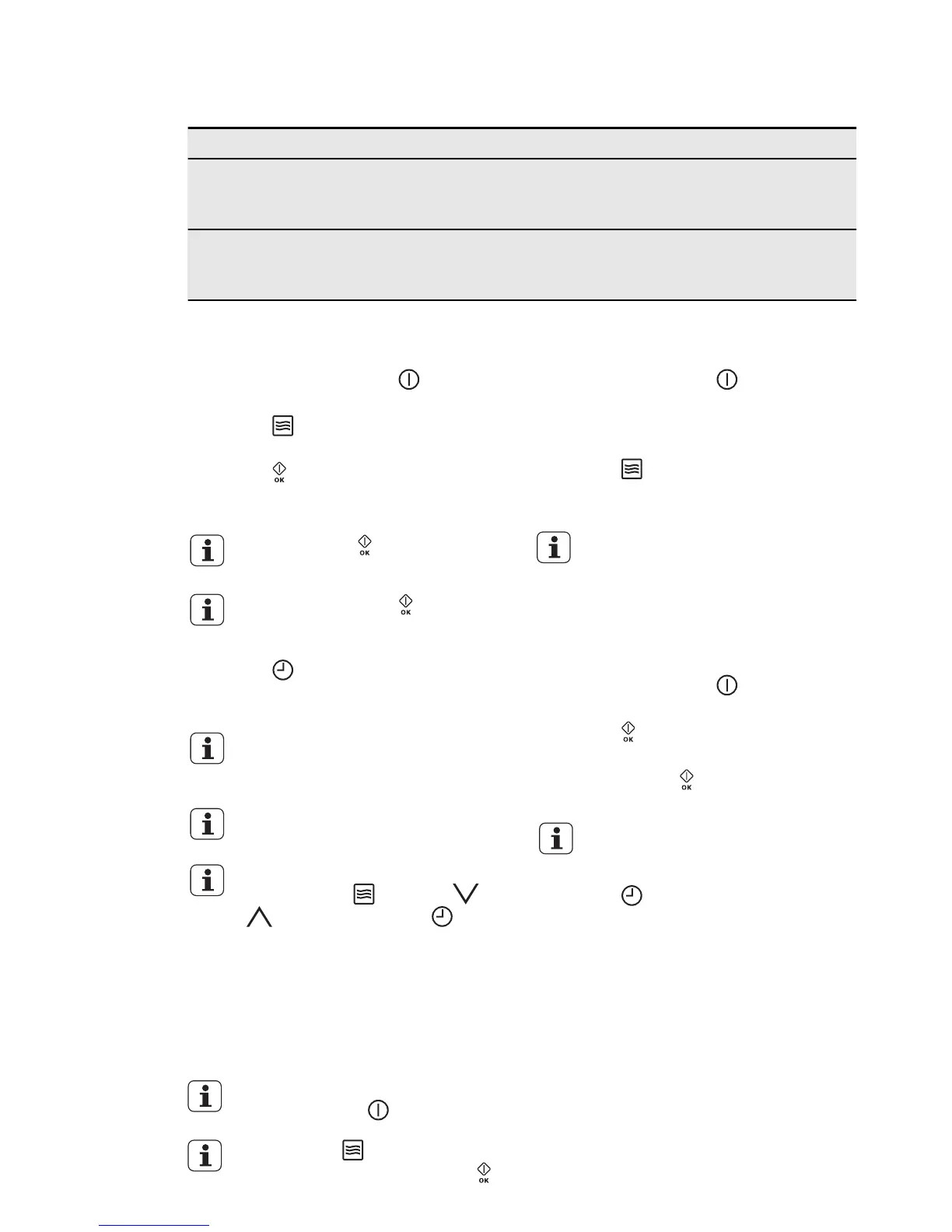
6.9 Setting the Microwave
function
1.
If it is necessary, touch to deacti-
vate the appliance.
2.
Touch to activate the Microwave
function.
3.
Touch . The Duration function is
set to 30 seconds and the micro-
waves starts to operate.
Each touch of adds 30 seconds
to the Duration time.
If you do not touch , the appli-
ance deactivates after 20 sec-
onds.
4.
Touch to set the Duration func-
tion (refer to "Setting the clock func-
tions").
When the Duration time is longer
than 7 minutes the Microwave
power is decreased to 600 W.
The maximum setting of the Du-
ration time is 90 minutes.
You can change the microwave
power (touch
and then or
) and the Duration ( ) any
time when the Microwave func-
tion operates.
5.
When the set time ends, an acoustic
signal sounds for 2 minutes. The Mi-
crowave function deactivates auto-
matically. Touch a sensor field to
stop the acoustic signal.
To deactivate the Microwave
function, touch
If you touch , the function
stops. To start it again, touch
.
6.10 Setting the Combi
function
1.
If necessary, touch to deactivate
the appliance.
2.
Activate a heating function. Refer to
“Activating a heating function”.
3.
Touch and do the same steps as
when you set the Microwave func-
tion.
The functions End Time , Set +
Go and Heat + Hold are not
available for the Combi function.
6.11 Setting the Quick Start
function
1.
If necessary, touch to deactivate
the appliance.
2.
Touch to activate the Quick Start
function.
Each touch of
adds 30 seconds to
the Duration time.
You can change the microwave
power (refer to “Setting the Mi-
crowave function”).
3.
Touch to set the Duration time
(refer to "Setting the clock func-
tions").
6.12 Examples of cooking
applications for power settings
The data in the table is for guidance on-
ly.
16
www.aeg.com



 To Next Page