4.8 Door open alarm
If the fridge or the freezer door is left open for
approximately 5 minutes the alarm activates.
During the alarm:
• the sound is on,
• temperature indicators flash,
• the alarm indicator flashes.
The internal fridge light may be flashing.
The alarm stops after closing the door.
You can switch off the alarm by pressing any
button.
The sound switches off automatically
after 1 hour.
4.9 High temperature alarm
The alarm activates when you plug the
appliance for the first time.
Freezer compartment
The alarm activates when the freezer
compartment temperature is too high.
During the alarm:
• the display shows blinking E09,
• the alarm indicator flashes,
• the alarm sound is on.
Turning off the alarm
• Press any button on the control panel to
turn off the alarm. The alarm indicator and
sound turn off. The display shows E09 for
5 seconds and then the current freezer
temperature is displayed.
• The alarm sound turns off automatically
after 1 hour. If the temperature is still too
high, the alarm activates again.
• Once the temperature is back to the set
value, the alarm turns off and the normal
display restores.
4.10 Air filter change indicator
Replace the air filter every 6 months to
ensure the best functionality.
Refer to "Installing and replacing the CleanAir
+ filter" section in "Care and cleaning"
chapter for the replacement instructions.
4.11 Rest mode
The Rest mode ensures optimal food
preservation while minimizing energy
consumption during periods of non-operation.
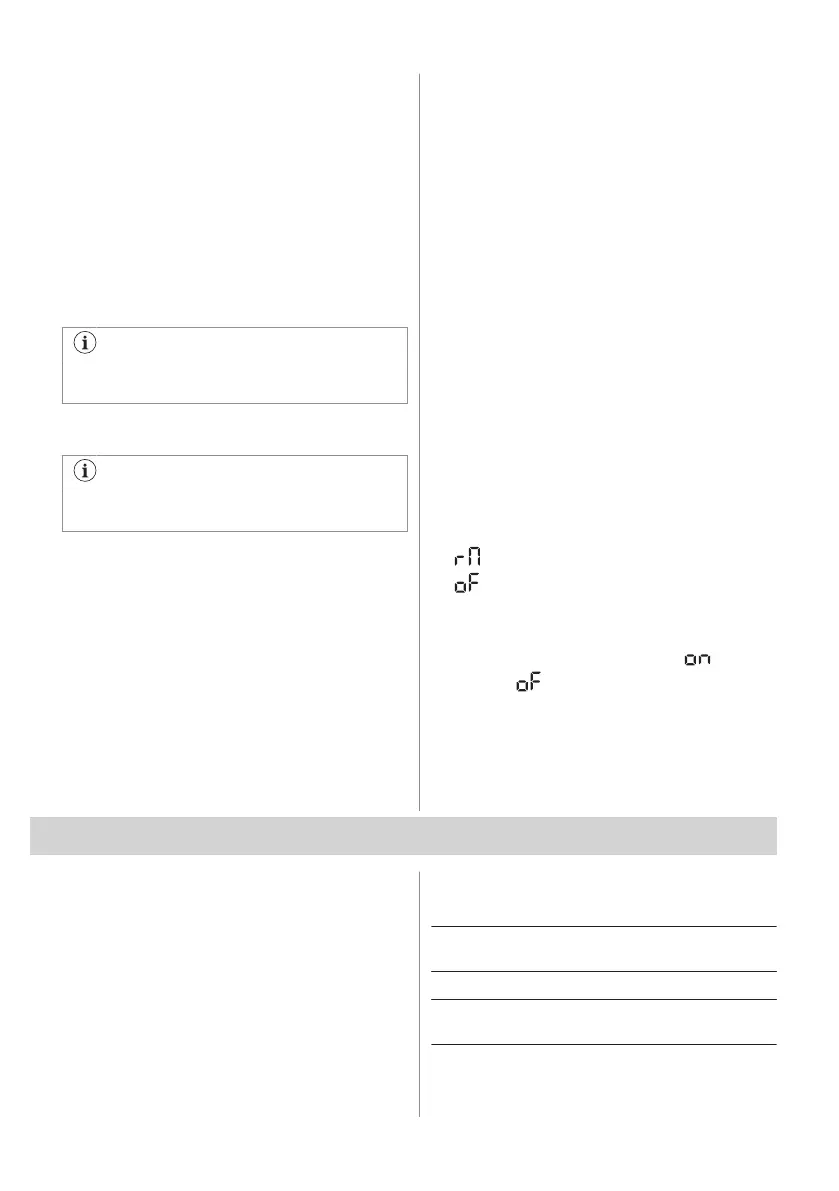
To enable the Rest mode, press and hold
freezer temperature button for 5 seconds.
The display shows:
• on the Freezer temperature indicator,
• on the Fridge temperature indicator.
Tap Freezer temperature button to switch the
Rest mode on or off. The Freezer
temperature indicator changes to for the
enabled or for the disabled Rest mode.
The Rest mode activates after 3 days without
any interaction with the appliance. The Rest
mode deactivates automatically after any
interaction with the appliance.
5. WI-FI CONNECTIVITY SETUP
5.1 Wi-Fi connectivity setup
You can connect your appliance to the home
wireless network and then link it to your
mobile device. This functionality allows you to
remotely control and monitor your appliance
using a mobile application.
To connect the appliance you need:
• Wireless network with the Internet
connection,
• Mobile device connected to your wireless
network.
Frequency/Protocol Wi-Fi: 2.4 GHz / 802.11
bgn
Power Wi-Fi 2.4 GHz: <20 dBm
Encryption WPA-PSK, WPA2-PSK,
WPA3-Personal
ENGLISH 11



 To Next Page